OmniShow — Human-Object Interaction Video Generation

Your product photo becomes a cinematic video. No studio. No crew.

Upload your product photo. Add a voiceover or pose. OmniShow generates a studio-quality video of a real person holding, using, and presenting your product — no filming required.

  • 4.91,200+ verified users
  • 8,000+active sellers
  • 2M+videos generated
  • 10snative long-shot
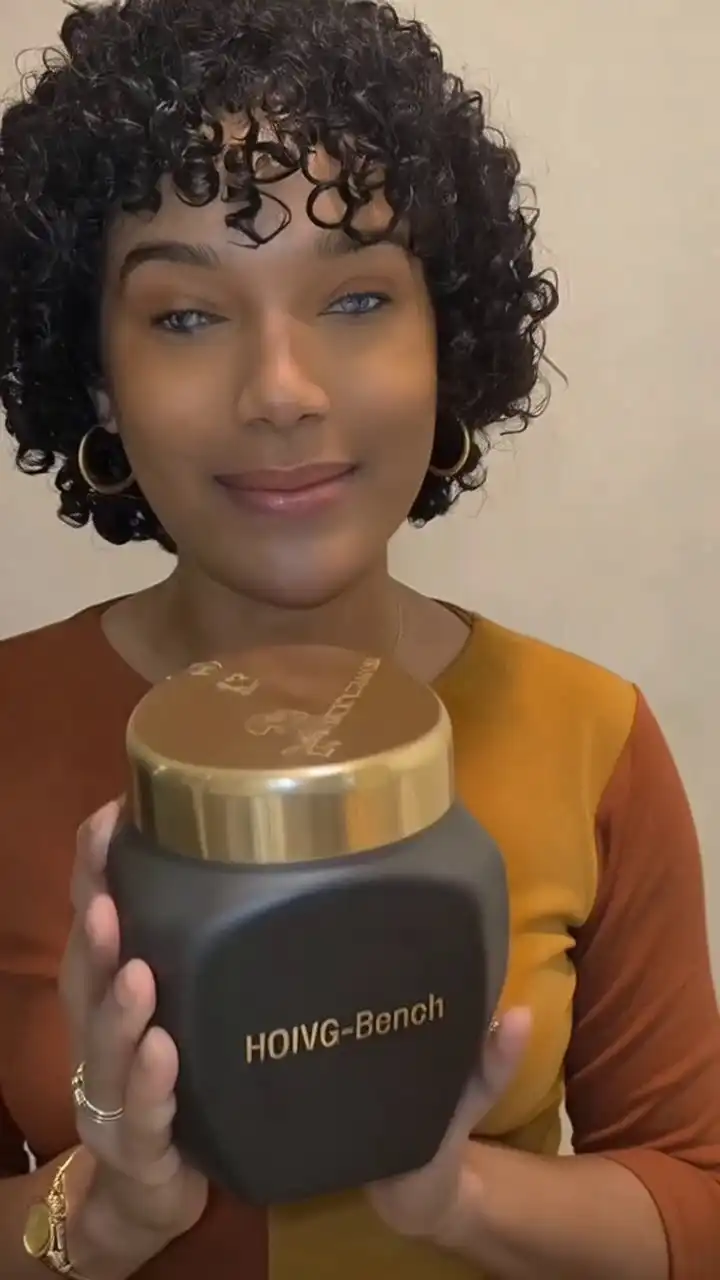
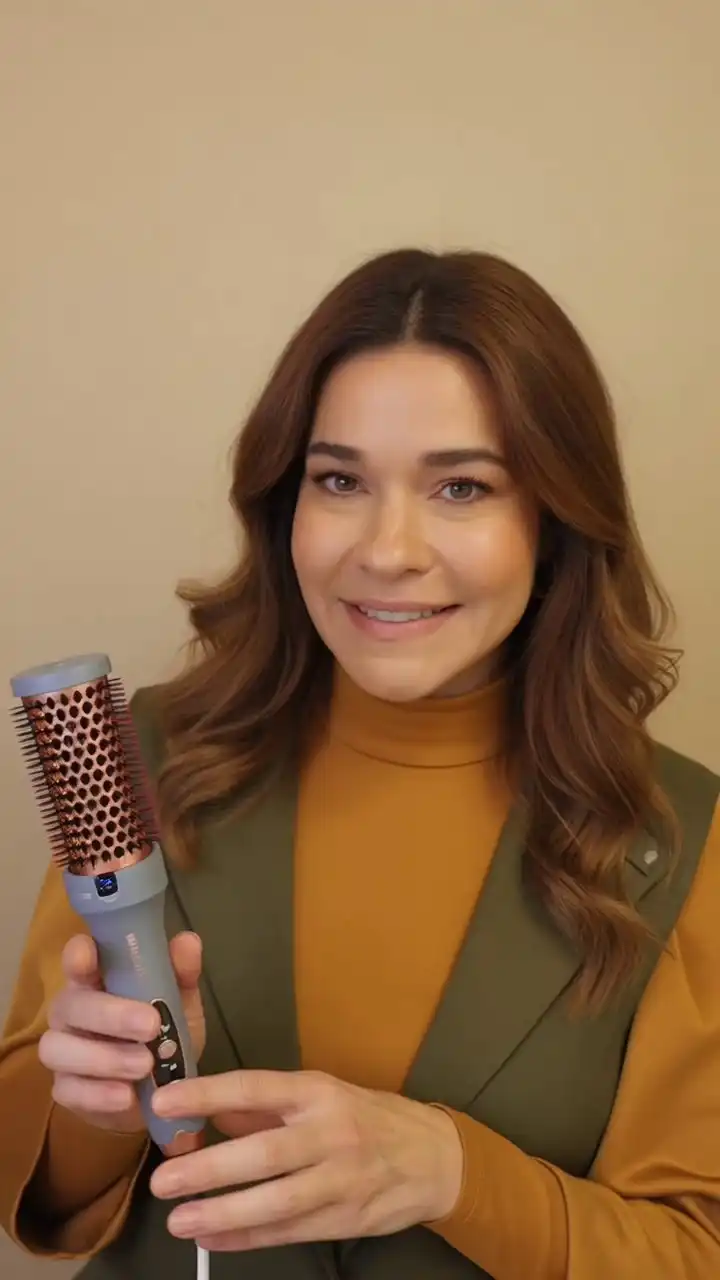
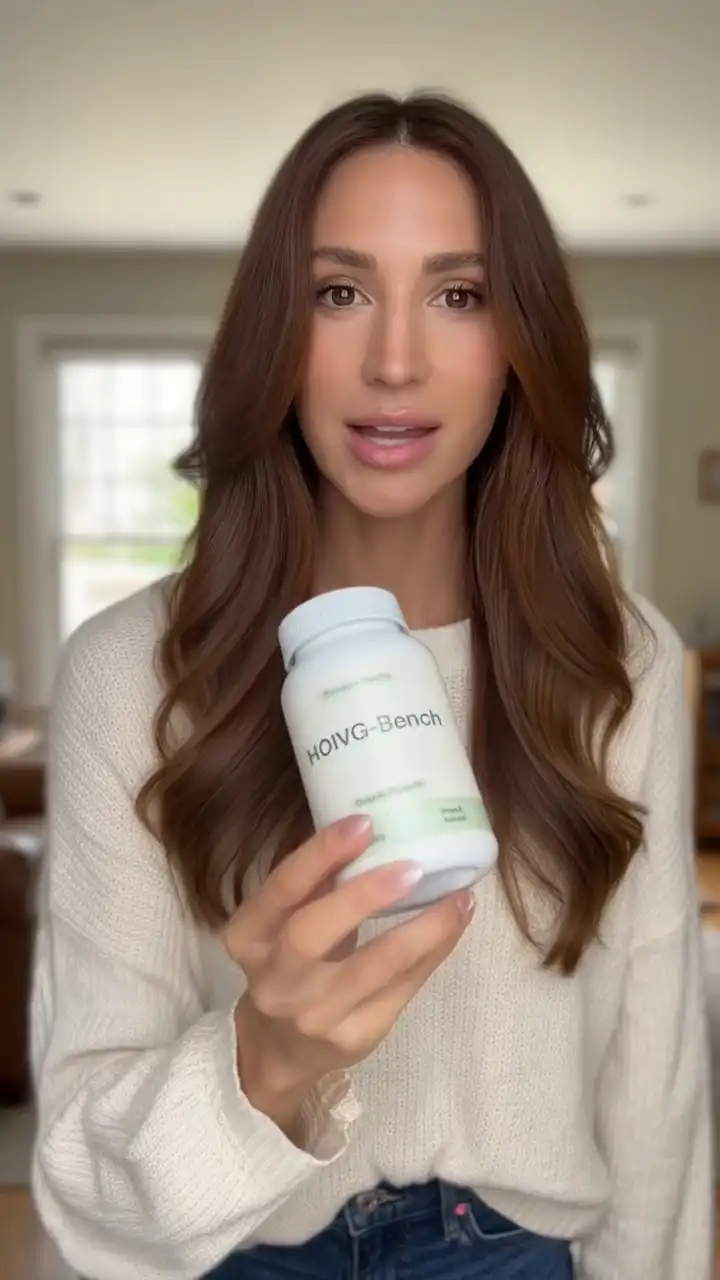
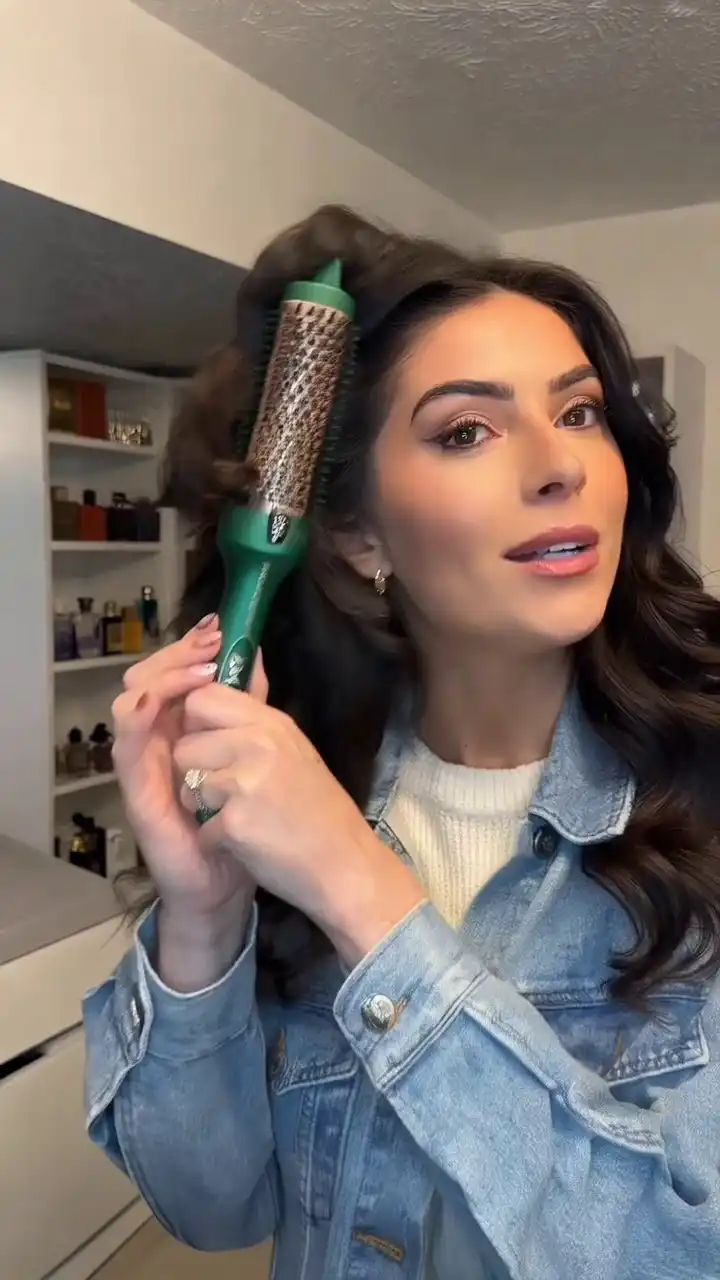
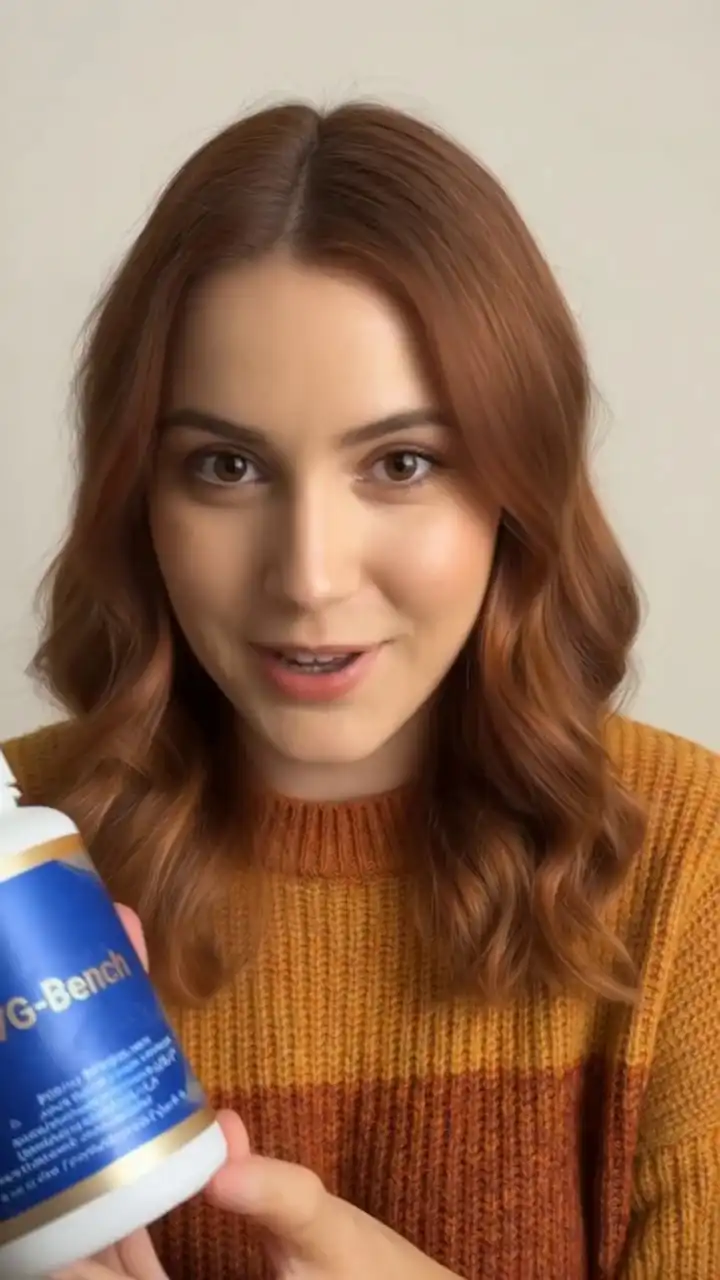
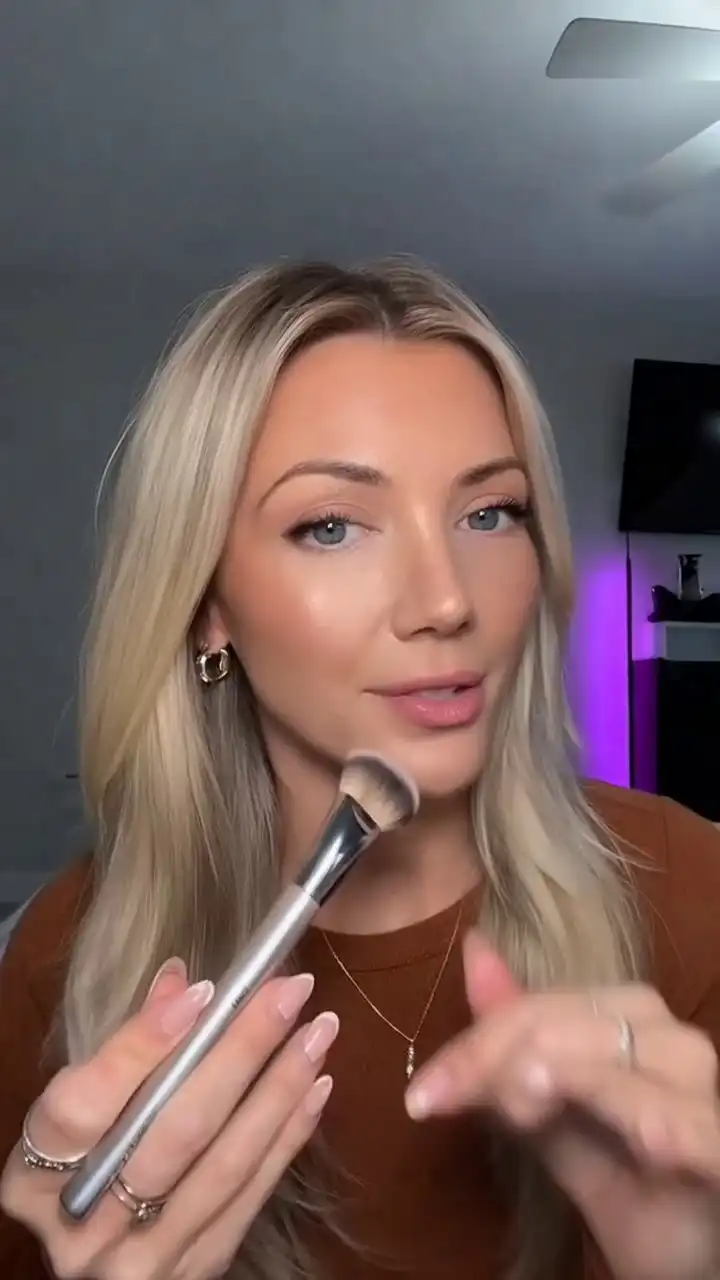
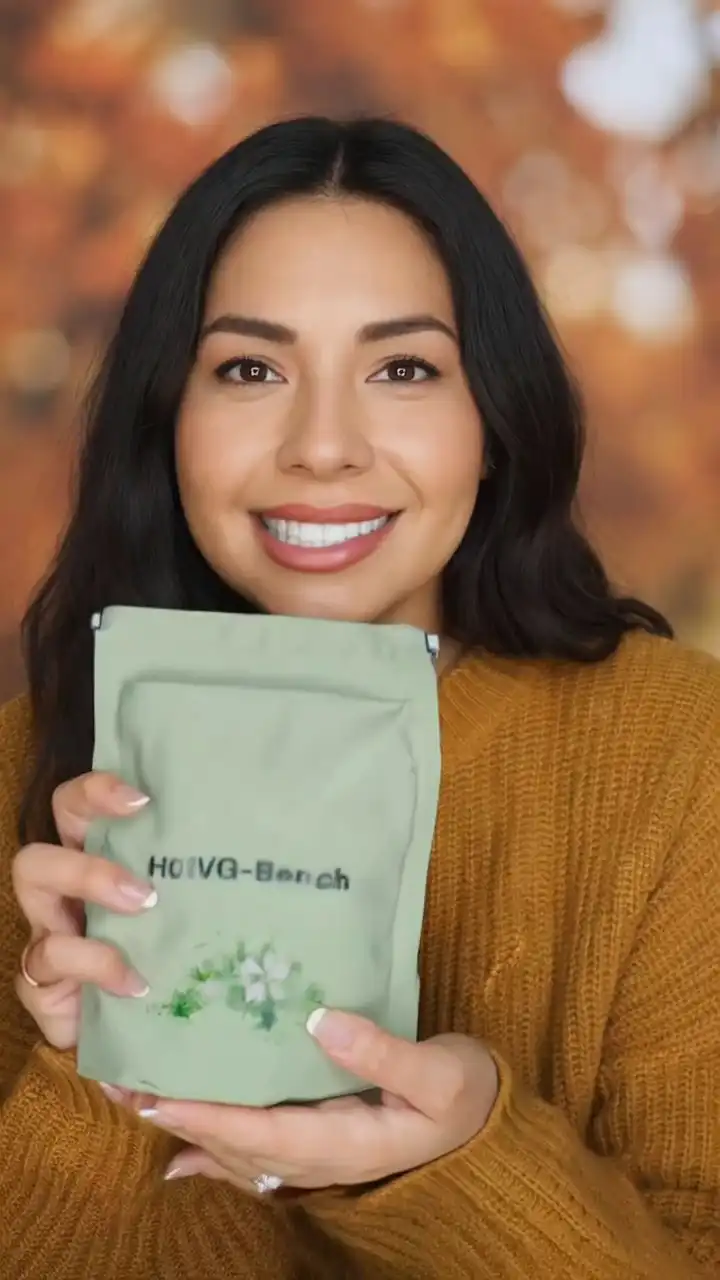
OmniShow R2V - person holding product, AI-generated demo video
R2V
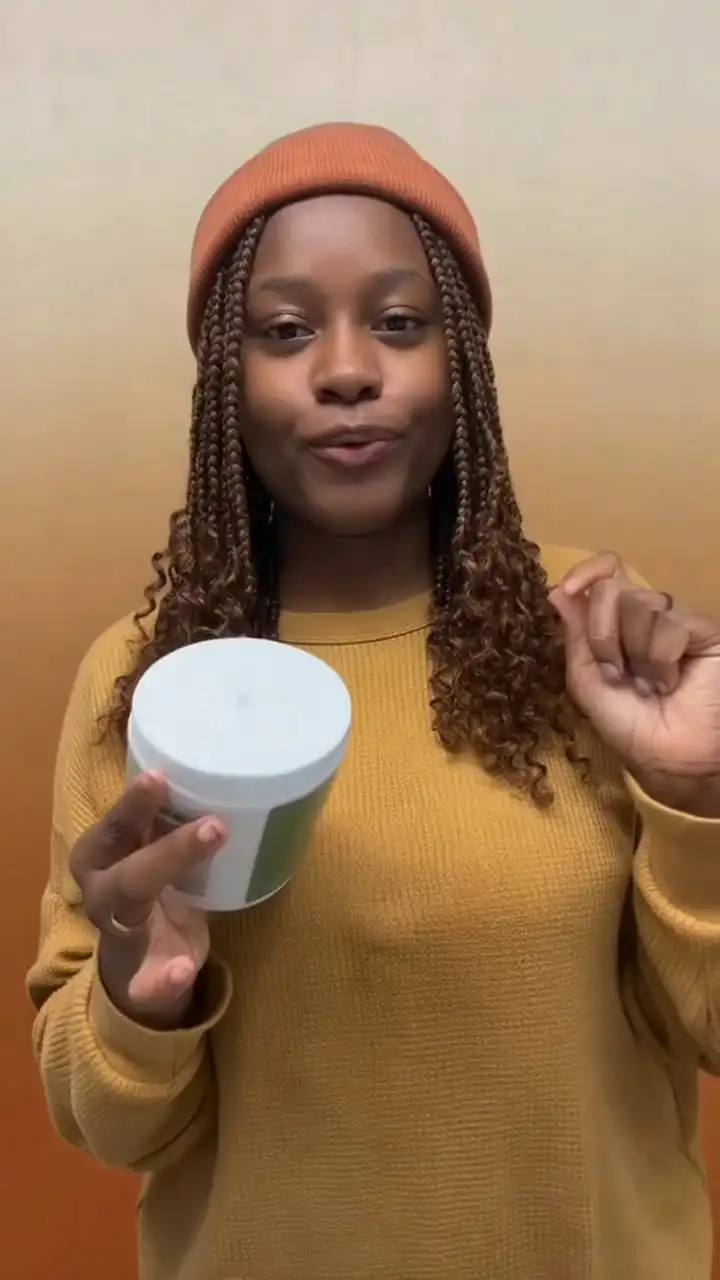
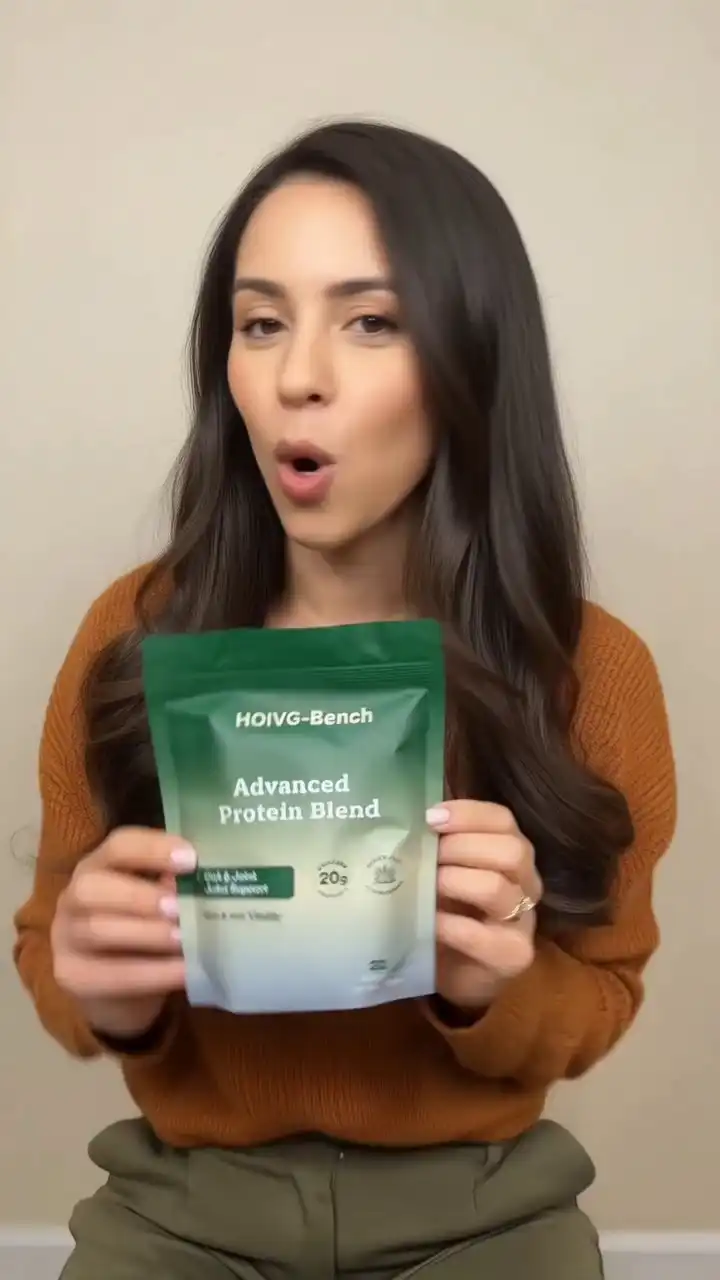
OmniShow product demo - AI-generated lifestyle showcase video
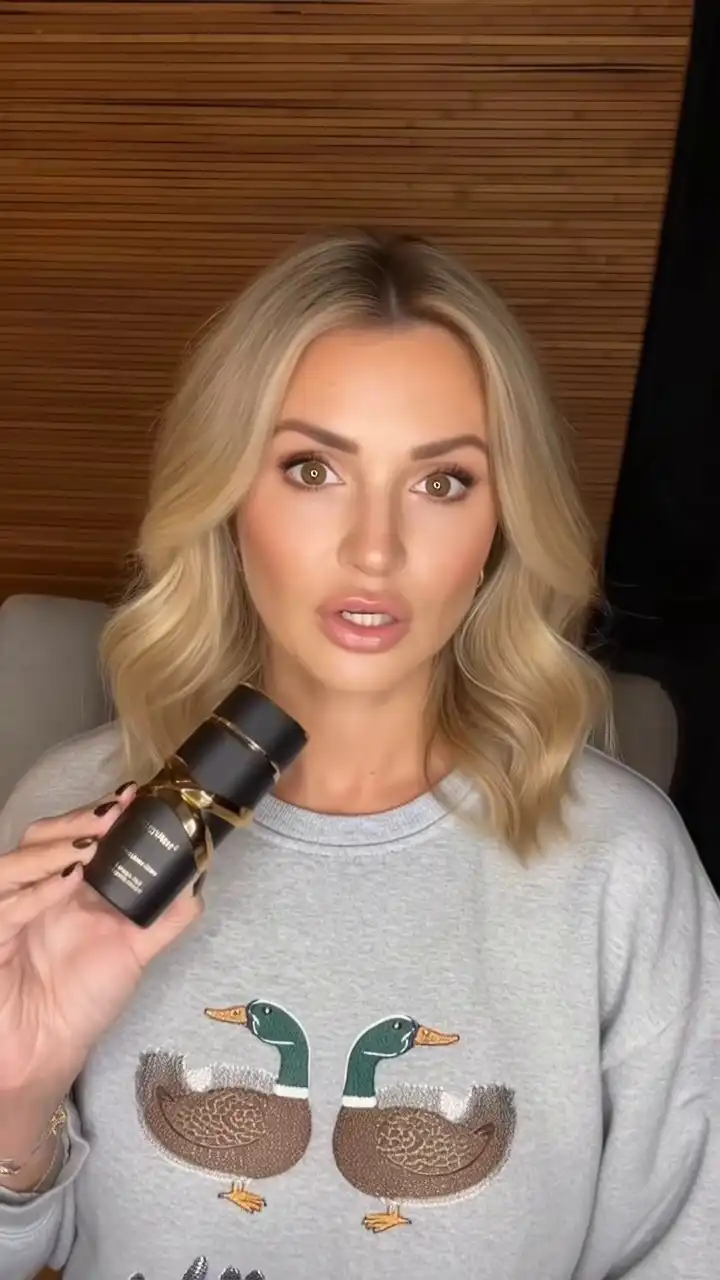
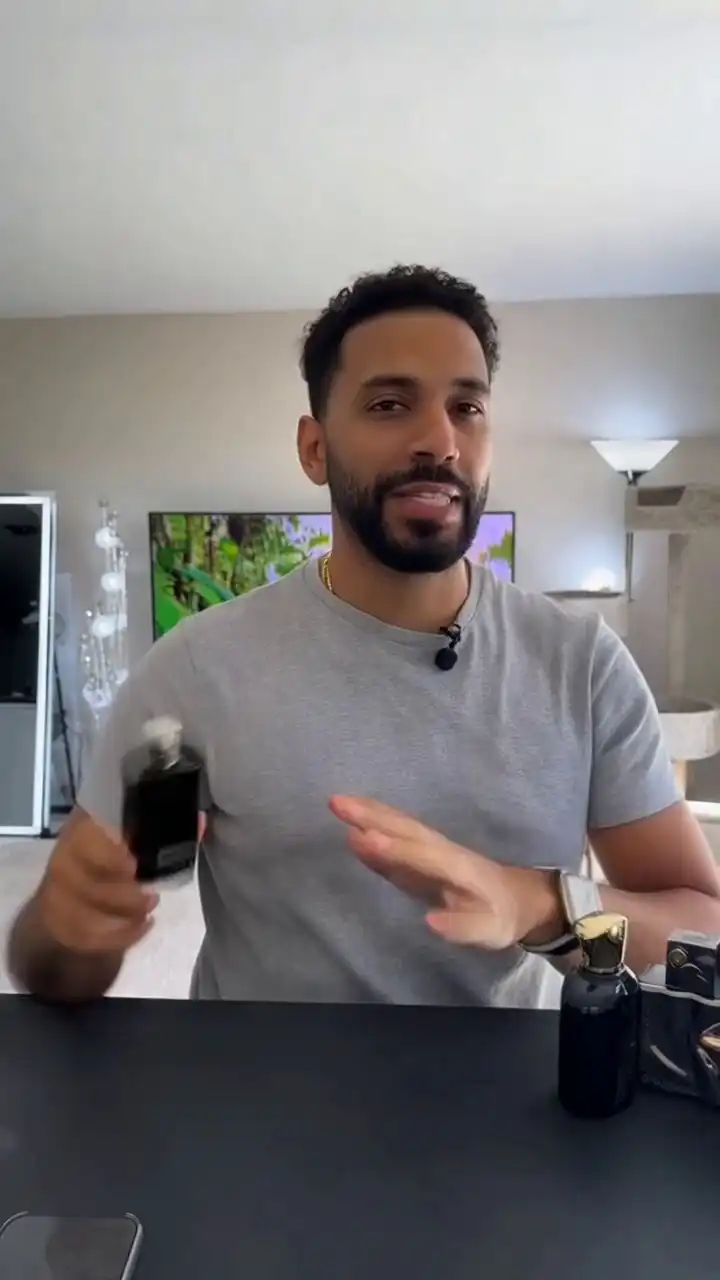
OmniShow RA2V - talking product spokesperson with lip sync
RA2V
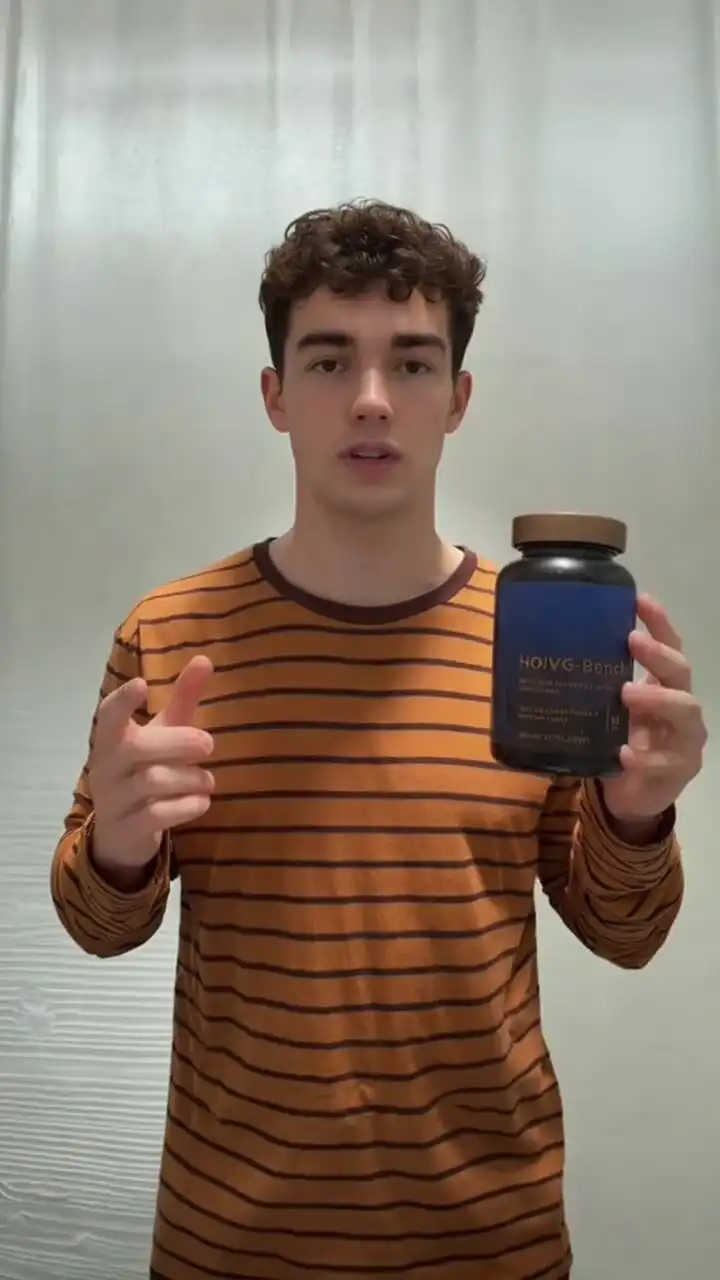
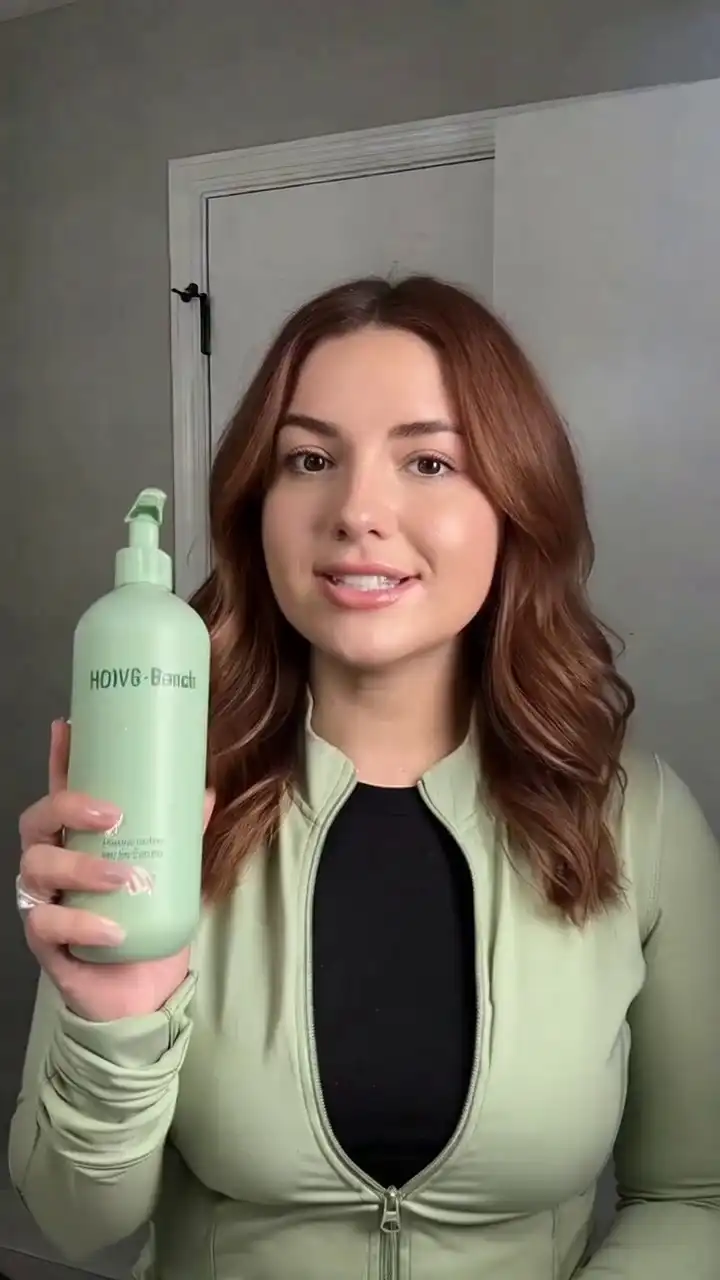
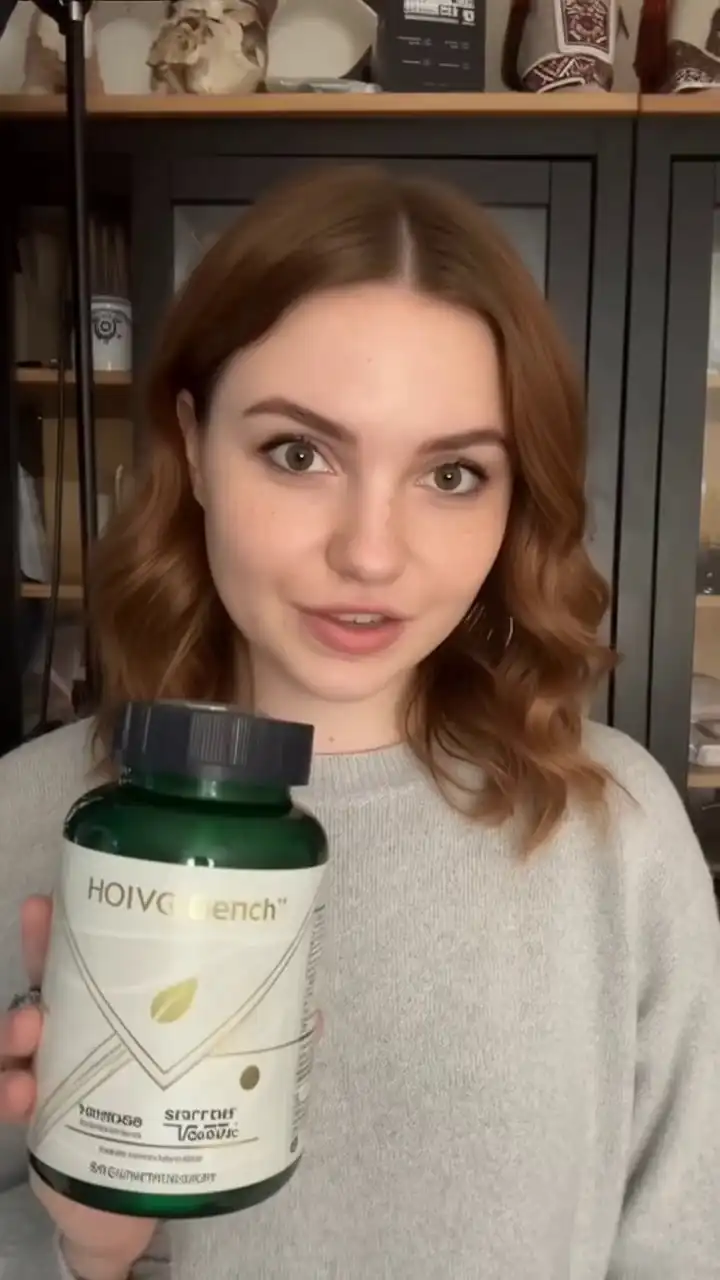
OmniShow AI product showcase - vertical social commerce clip
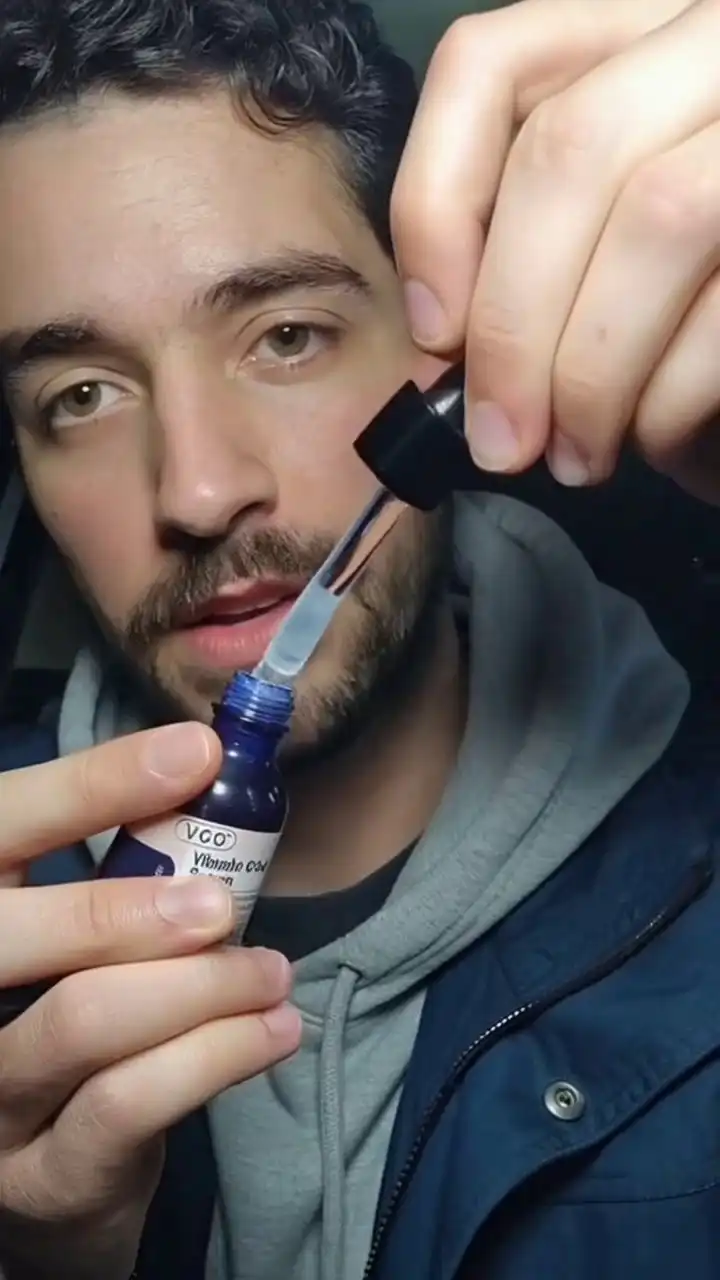
OmniShow RP2V - pose-guided human-object interaction video
RP2V
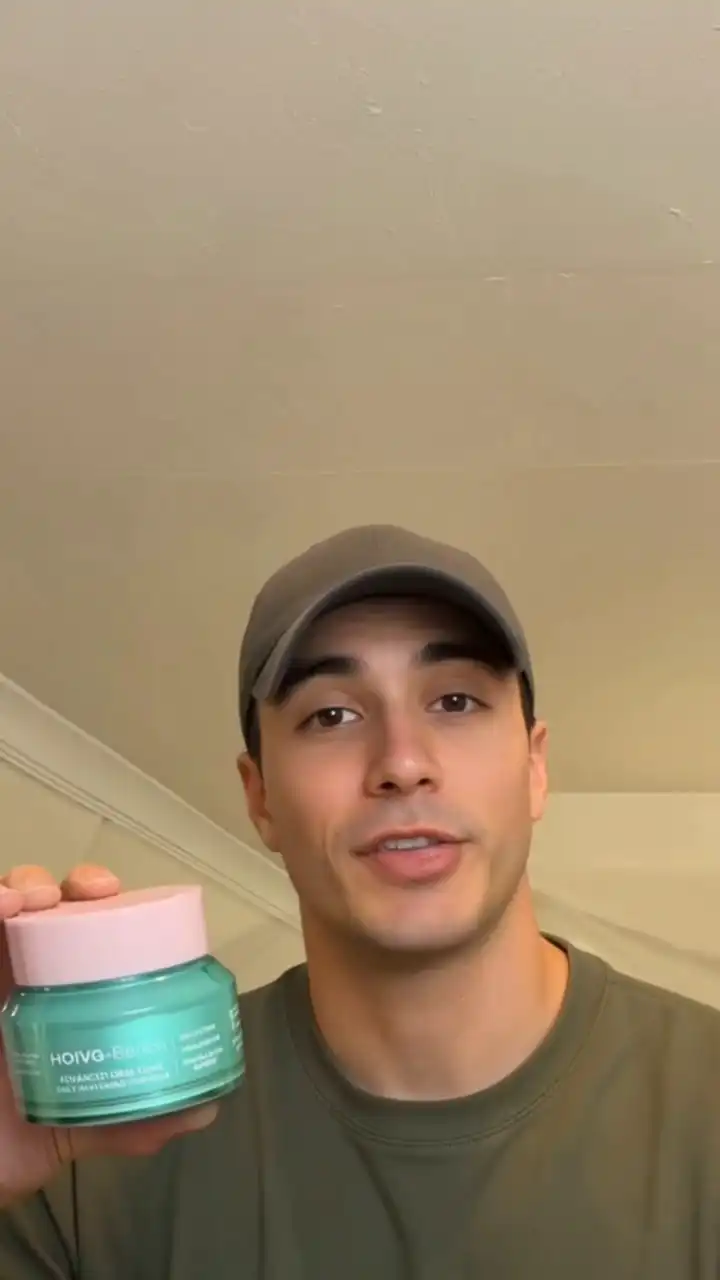
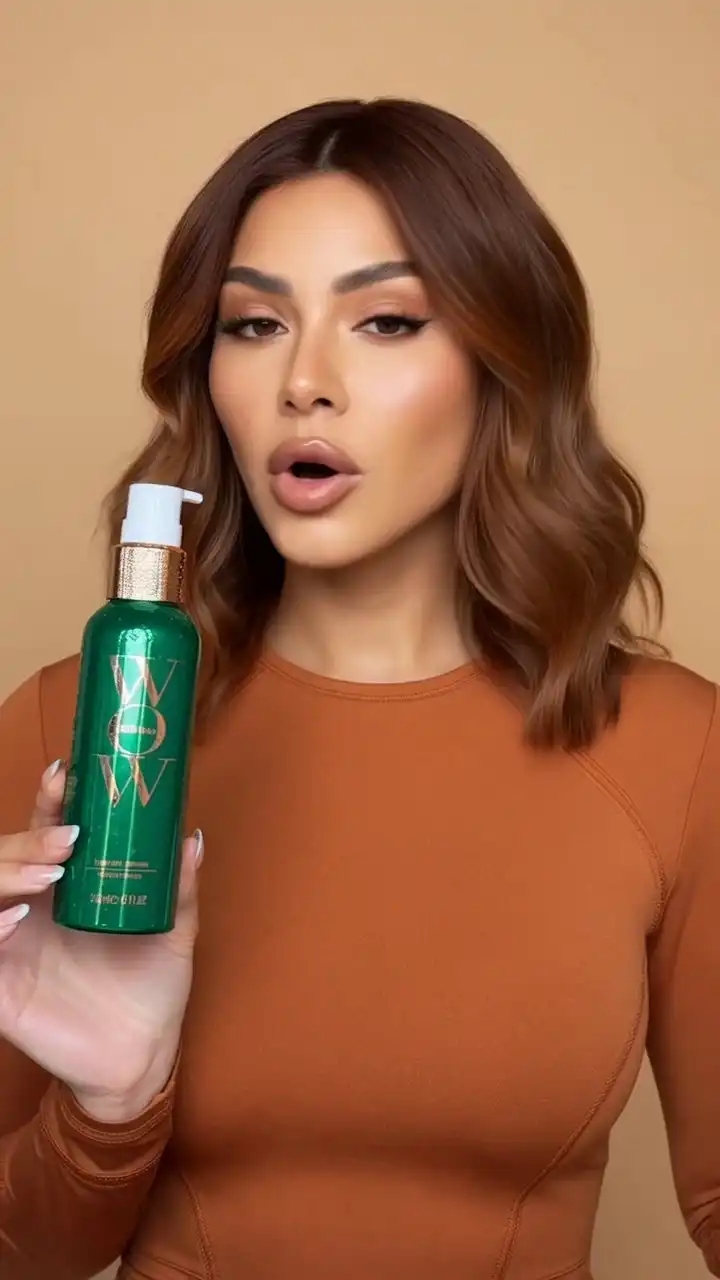
OmniShow AI-generated product marketing video with natural hand contact
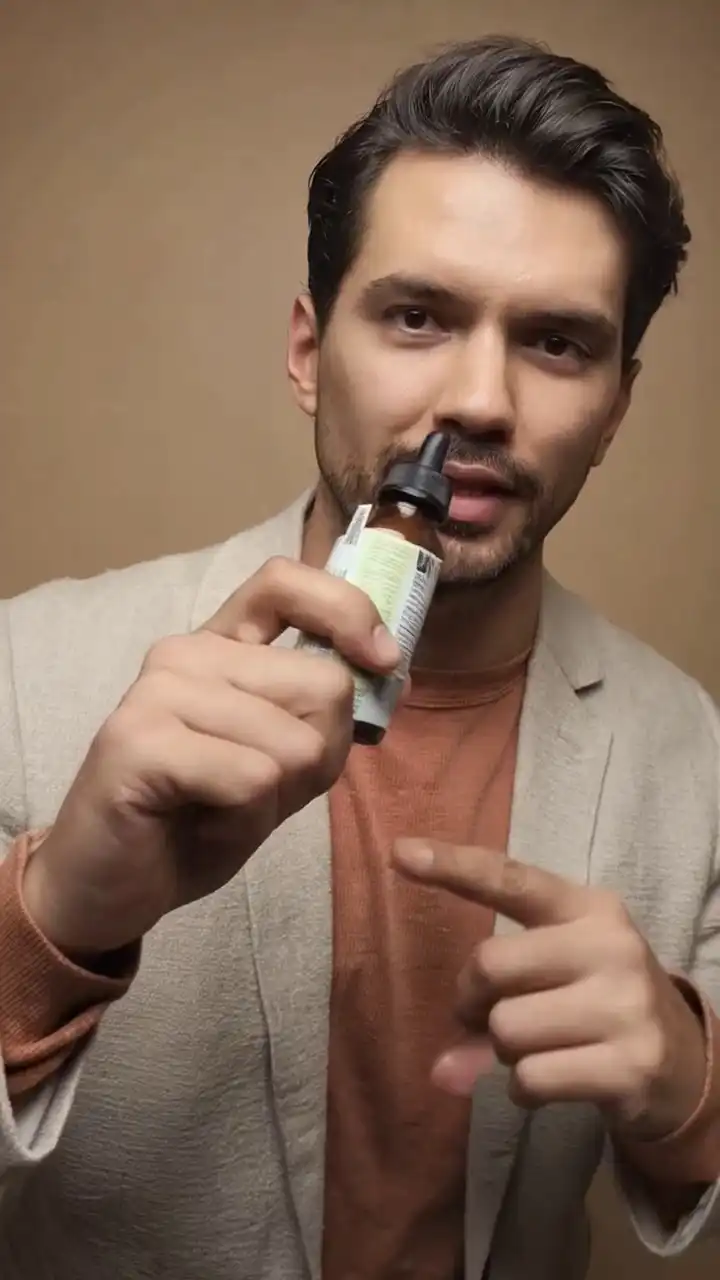
OmniShow RAP2V - audio and pose controlled product demo video
RAP2V
OmniShow AI e-commerce video generated from product references
What Is OmniShow?

What Is OmniShow?

OmniShow is an end-to-end AI video generator for human-object interaction video generation that accepts up to four input conditions — text, reference image, audio, and pose — and synthesizes high-quality HOI video from any combination. It's the only platform purpose-built for HOIVG and independently validated on HOIVG-Bench.

Human-object interaction means making a hand genuinely hold something: stable grip, natural contact, accurate weight response. Most AI video tools fake it. OmniShow was built specifically to get it right.

OmniShow introduction - AI human-object interaction video demo
OmniShow — Introduction · 720p
OmniShow Features

OmniShow Features — Four Modes of Human-Object Interaction Video Generation

OmniShow handles human-object interaction video generation across four input modalities. Use one or combine all four — the model adapts, no retraining required.

01R2V

Reference-to-Video (R2V) — AI Product Video from Photos

Upload a product photo and a model reference image. OmniShow holds color, texture, and shape consistent across every frame — no drift, no distortion, no 3D setup.

Inputs
Text prompt · product photo · model reference
Output
Product demo video with natural hand-object contact.
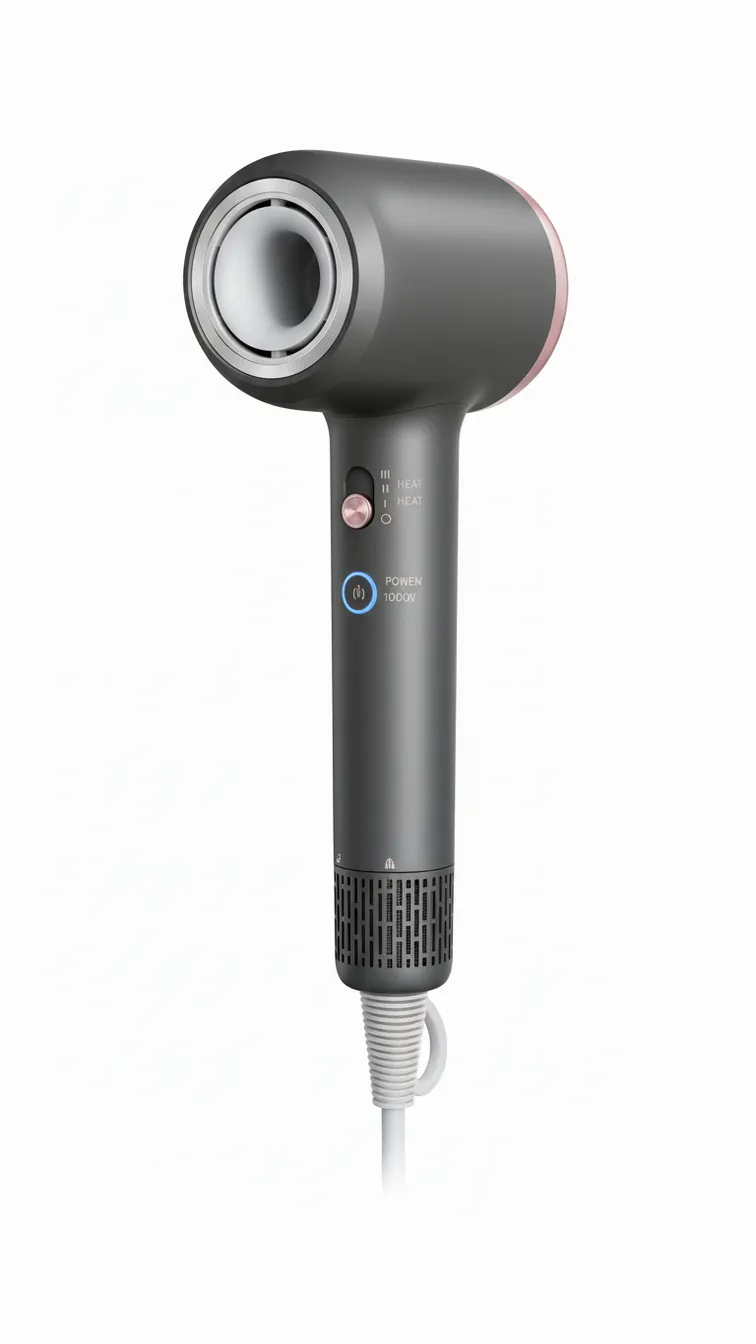
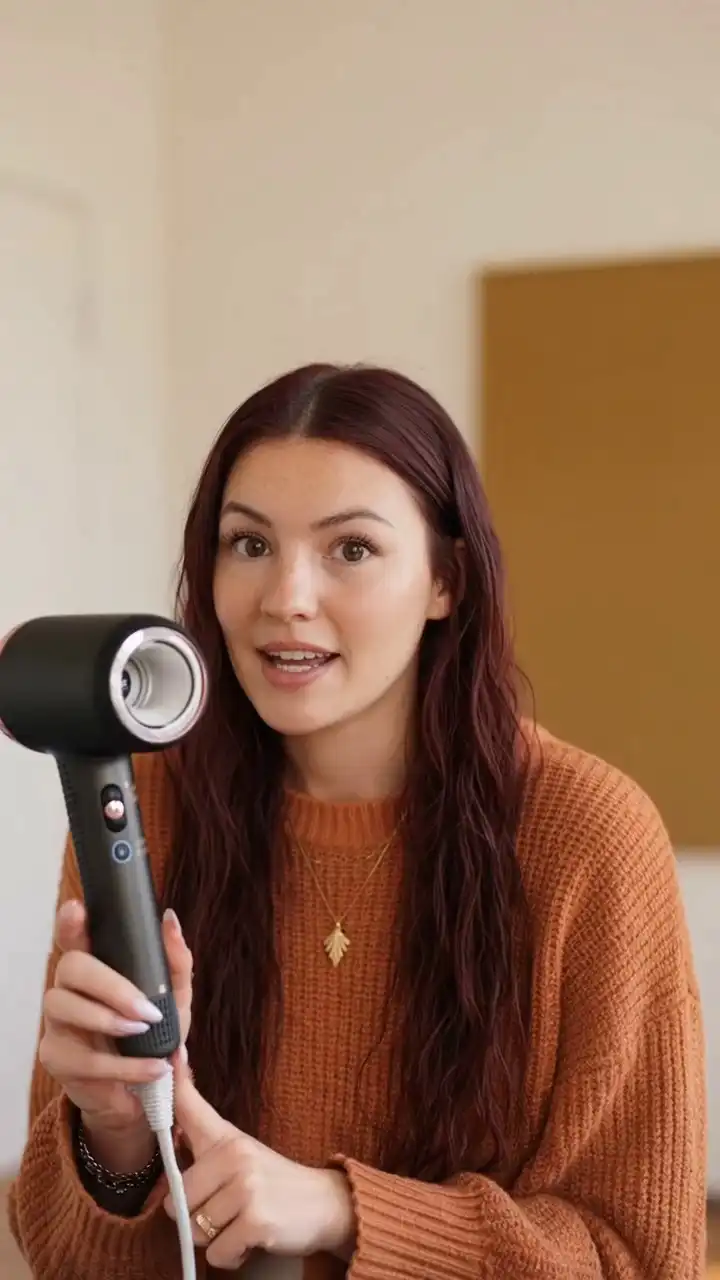
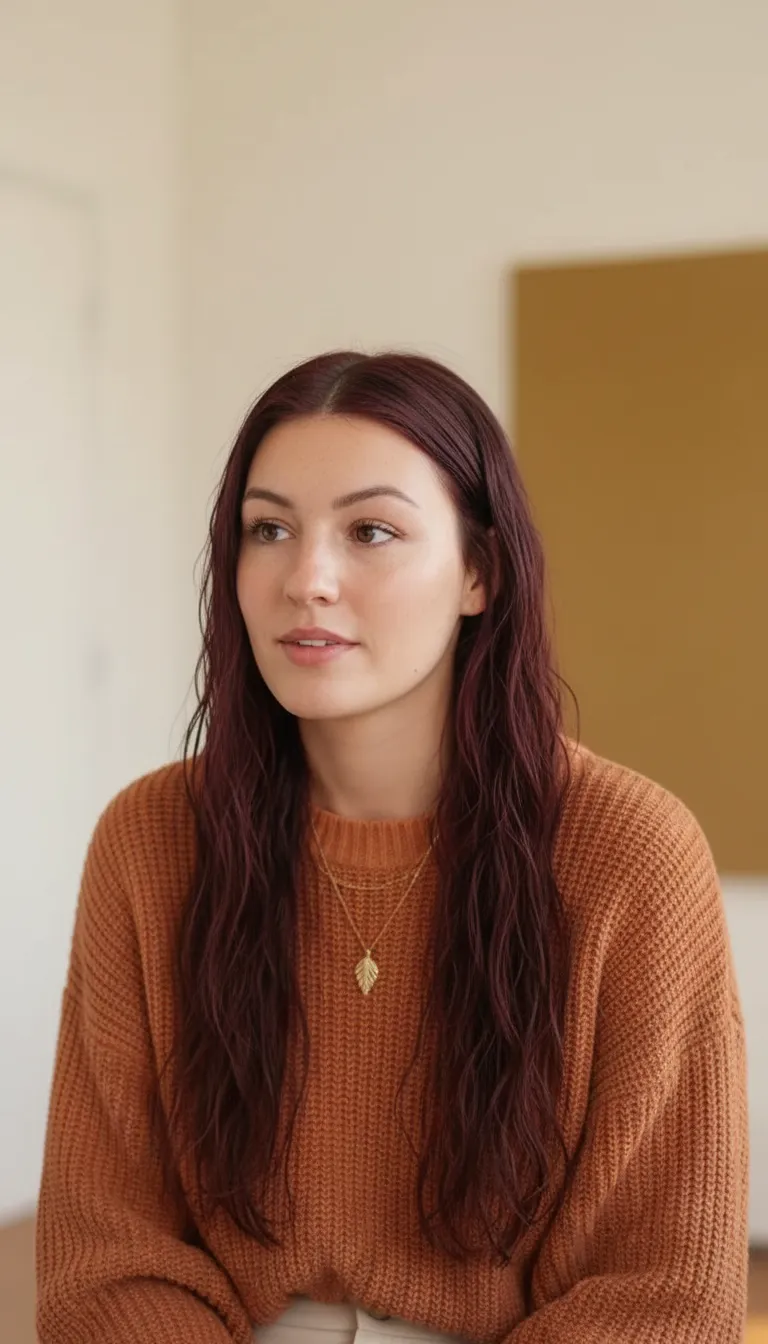
“The young woman with long, wavy dark red hair is holding a sleek black and rose gold hairdryer in a softly lit indoor setting. The hairdryer is regular-size, designed for comfortable handling and efficient drying. She is speaking directly to the camera, demonstrating the features of the hairdryer with expressive hand gestures, including pointing to the buttons on the handle as she explains its functions.”
Product reference photo input for OmniShow R2V generationProduct
OmniShow R2V input image 02Model
TextReference Images
AI-generated product demo video - woman demonstrating hairdryer with natural hand contact
02RA2V

Reference + Audio-to-Video (RA2V) — AI Lip Sync Video Generator

Add a voiceover MP3. OmniShow syncs lip movements, facial expressions, and gestures to the audio — frame by frame, in one pass. No manual sync. No dubbing.

Inputs
Text prompt · reference images · MP3 voiceover
Output
Spokesperson video with frame-accurate lip sync.
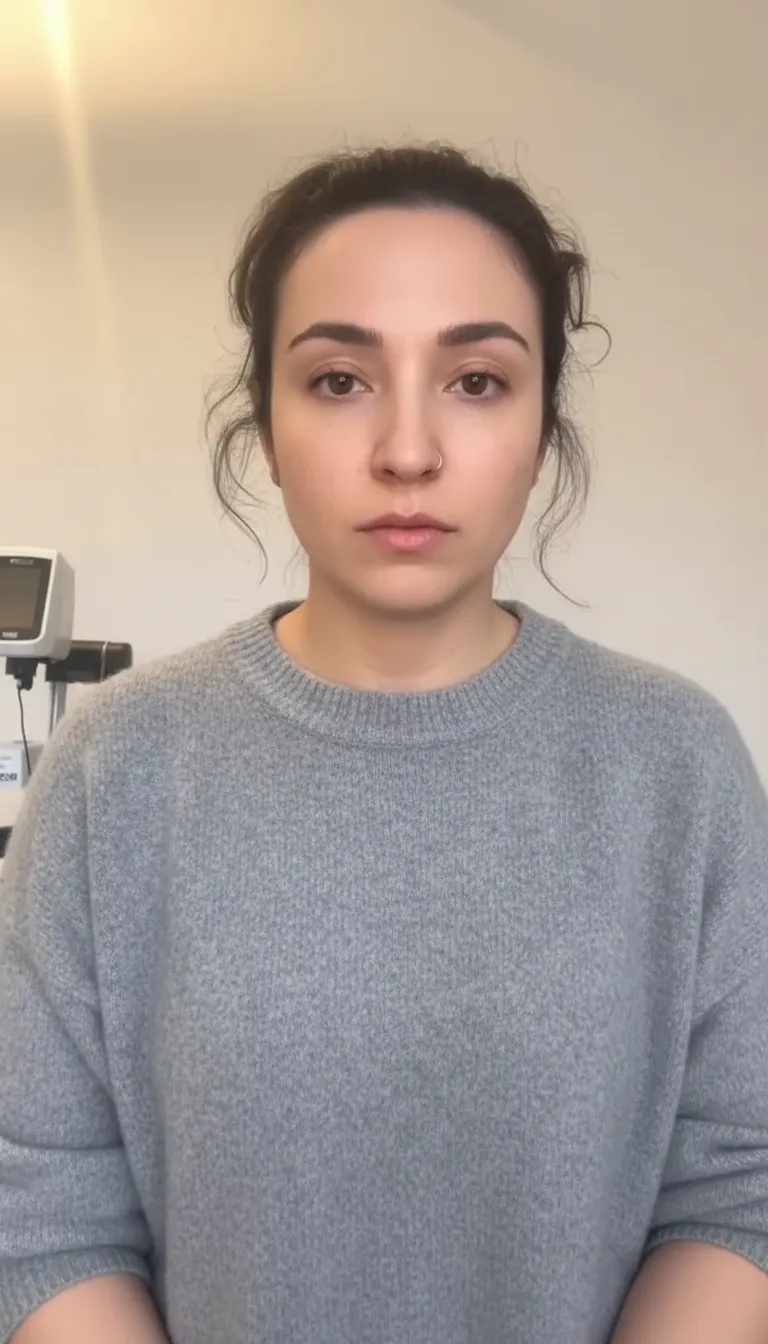
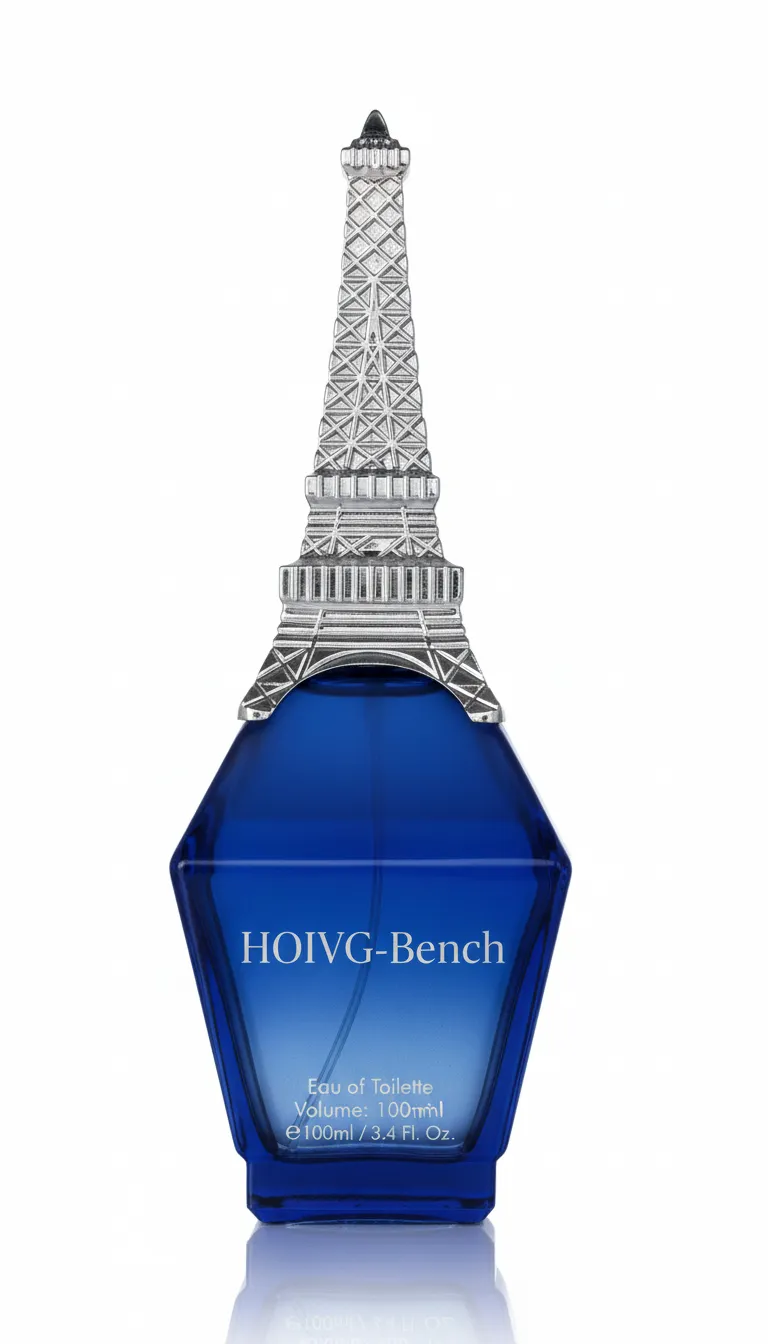
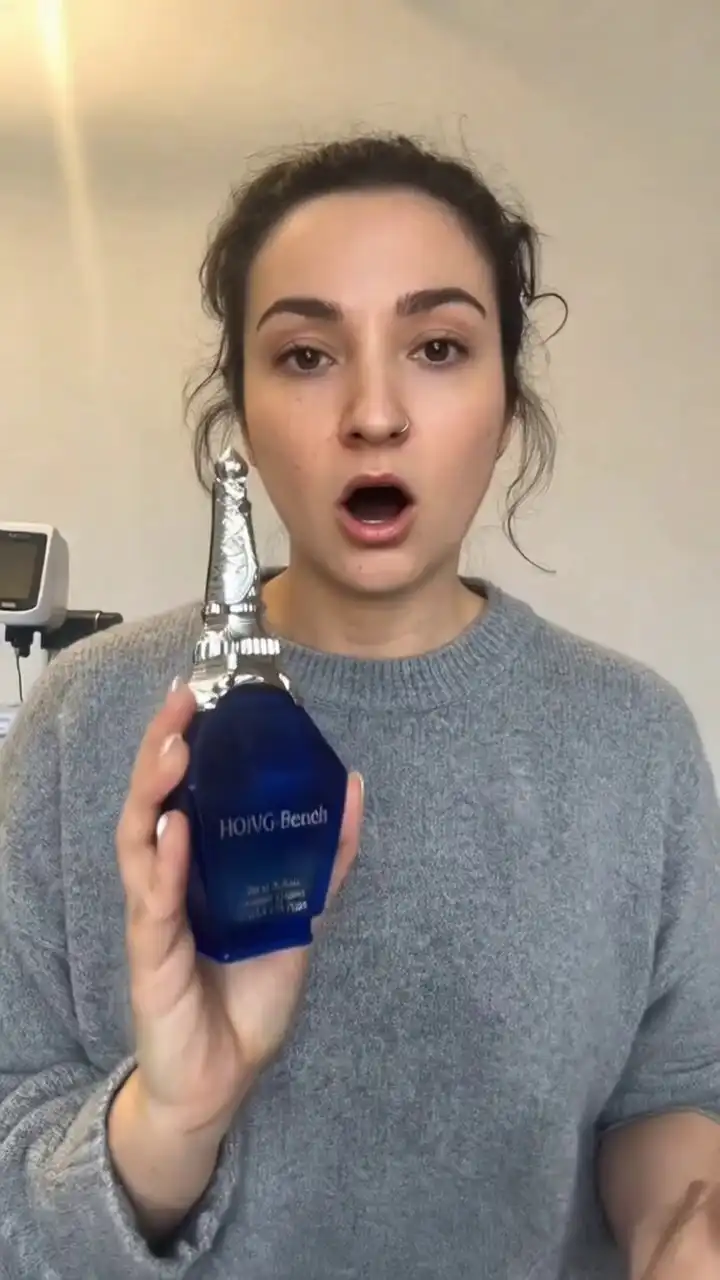
“The woman wearing a grey sweater holds a striking blue perfume bottle topped with a silver Eiffel Tower cap in a clinical setting. The bottle is a regular-size 100ml Eau de Toilette. She presents the perfume with animated hand gestures, speaking directly to the camera as she highlights its unique design and fragrance.”
Product reference photo input for OmniShow RA2V generationProduct
OmniShow RA2V input image 02Model
TextAudioReference Images
AI-generated talking product video with lip-synced audio alignment
03RP2V

Reference + Pose-to-Video (RP2V) — Pose-Controlled AI Video

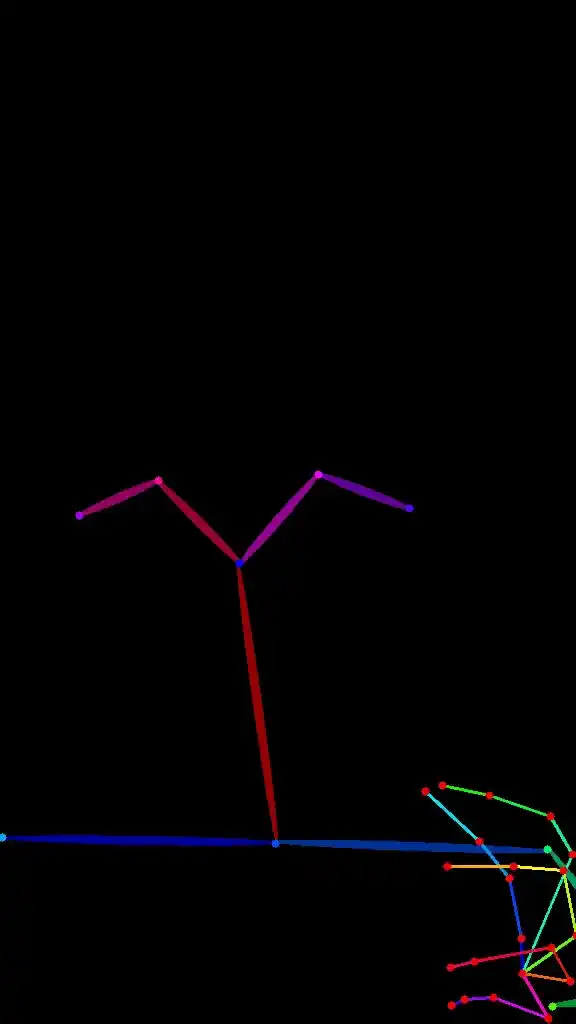
Provide a pose sequence or video reference. OmniShow follows the defined motion — hand position, body angle, interaction path — while keeping product contact natural throughout. No motion capture rig required.

Inputs
Text prompt · reference images · pose sequence
Output
Motion-controlled video matched to your defined pose path.
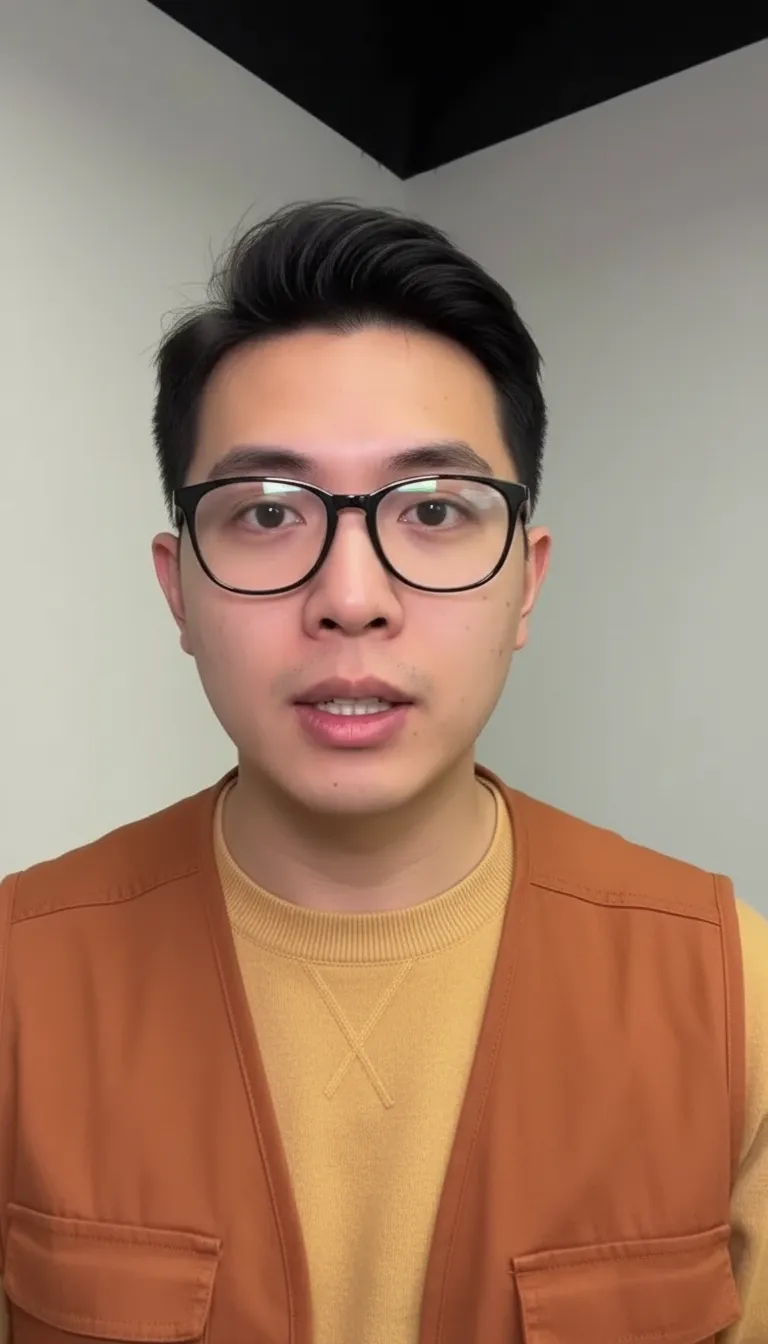
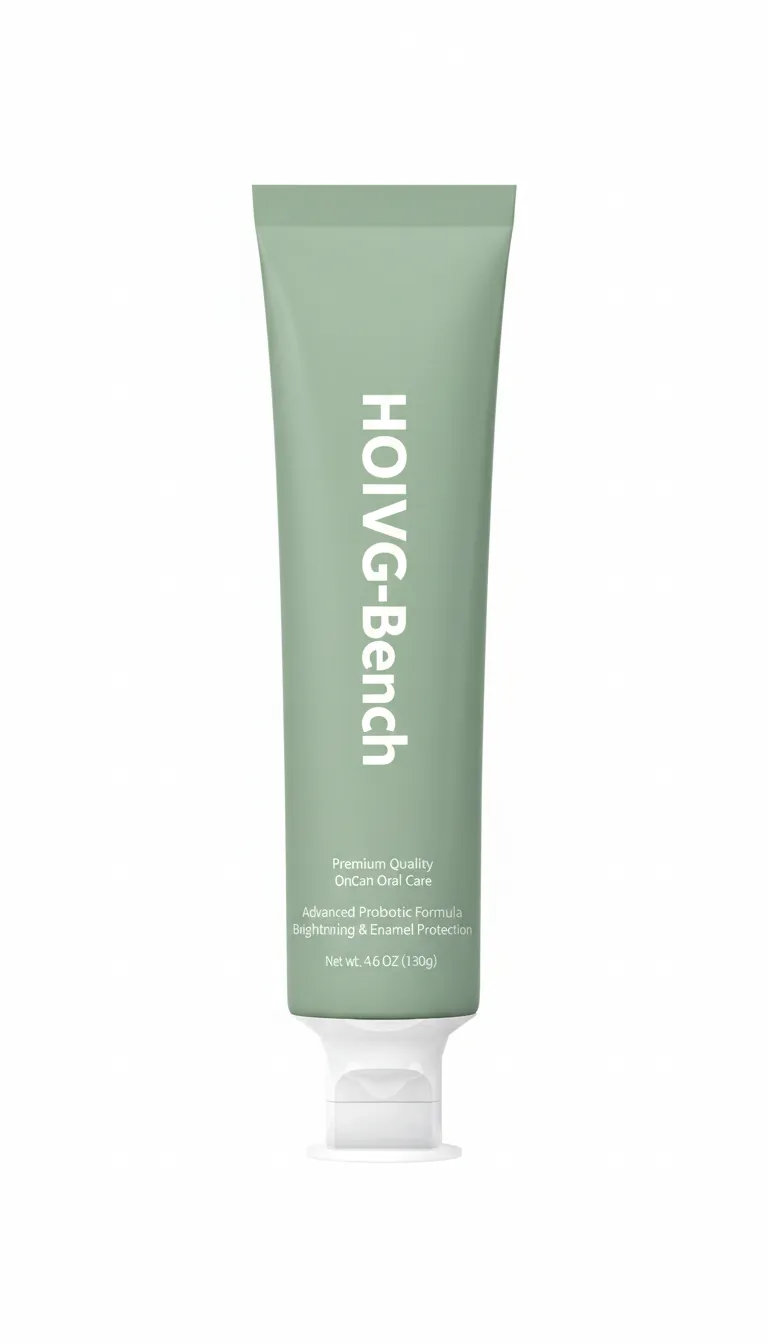
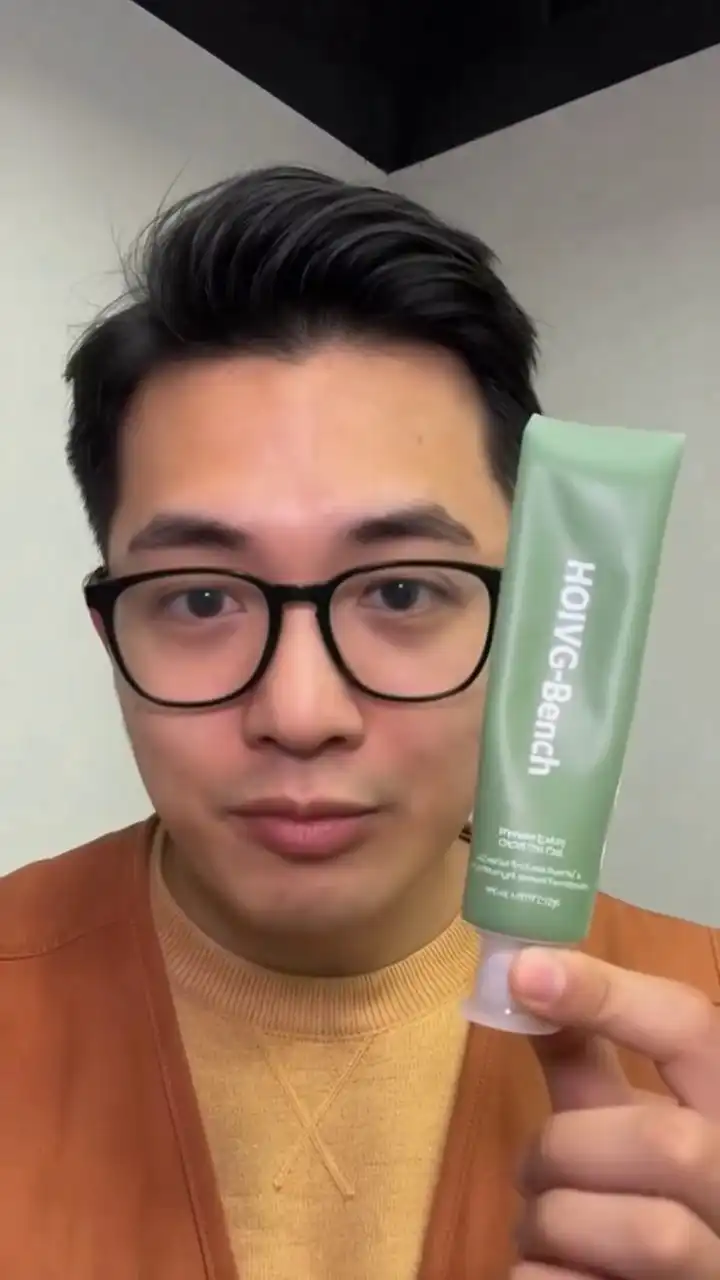
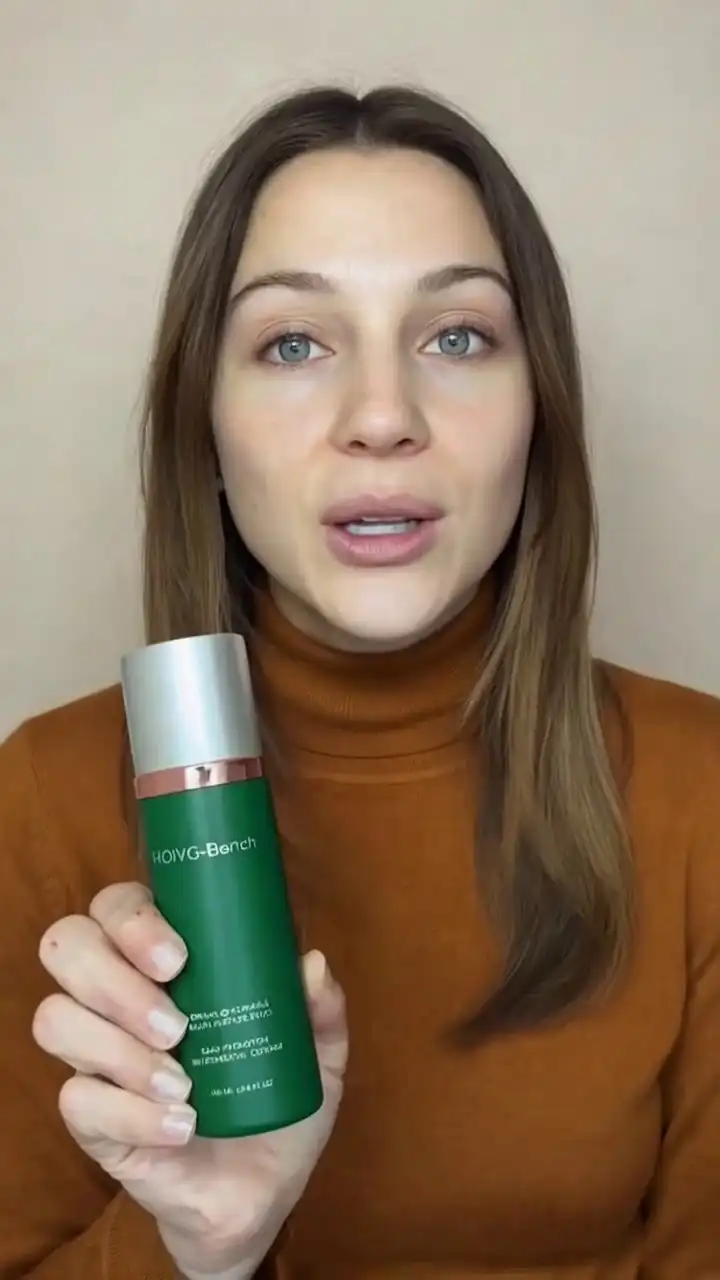
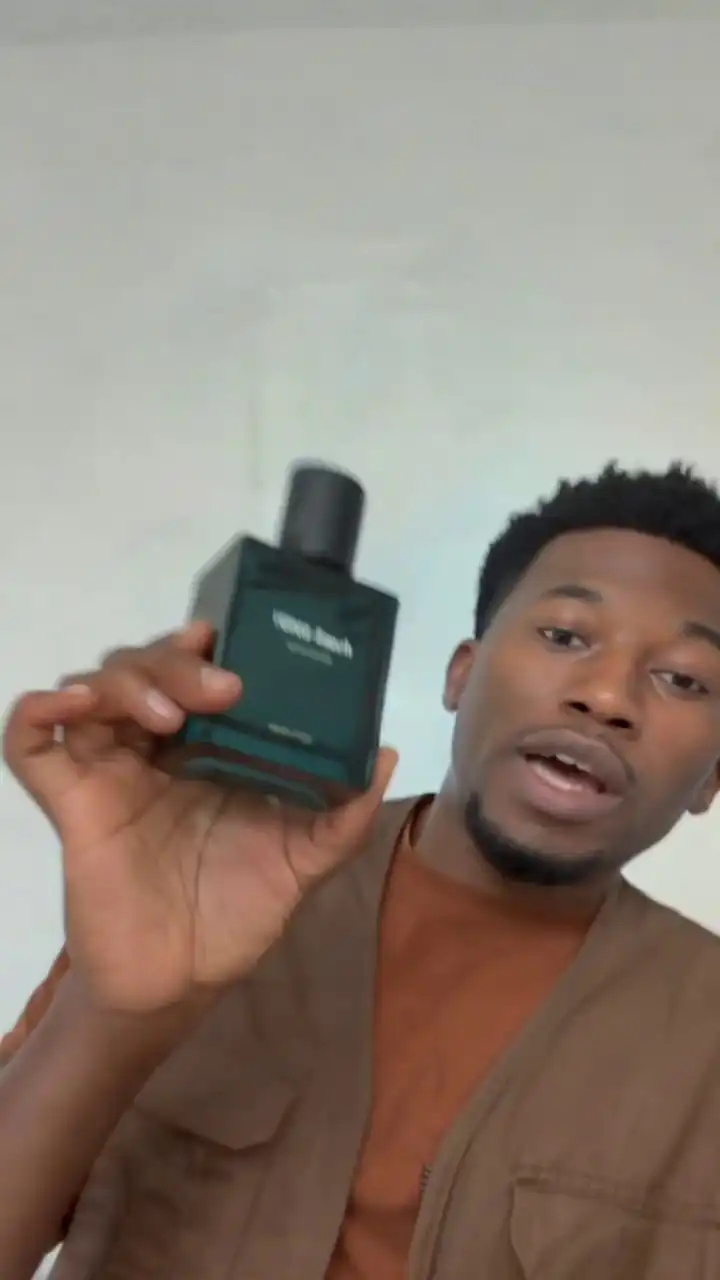
“The young man wearing a mustard yellow sweater with an orange vest holds a green tube of HOIVG-Bench oral care product in front of a plain white wall with a black ceiling corner. The tube is regular-size, typical for toothpaste packaging. He gestures with his hands while confidently explaining the product's benefits directly to the camera.”
OmniShow RP2V input image 01Product
OmniShow RP2V input image 02Model
OmniShow RP2V pose input video
Pose
TextPoseReference Images
AI-generated pose-controlled product demo video with realistic hand motion path
04RAP2VIndustry First

Reference + Audio + Pose-to-Video (RAP2V) — Full Control, One Pass

Every input combined — text, reference image, audio, and pose sequence — processed together in a single generation. No stitching, no separate passes, no consistency loss between stages.

Inputs
Text prompt · reference images · MP3 voiceover · pose sequence
Output
Fully directed spokesperson video — appearance, audio, and motion locked from the first frame.
4modalities
1pass
10smax clip
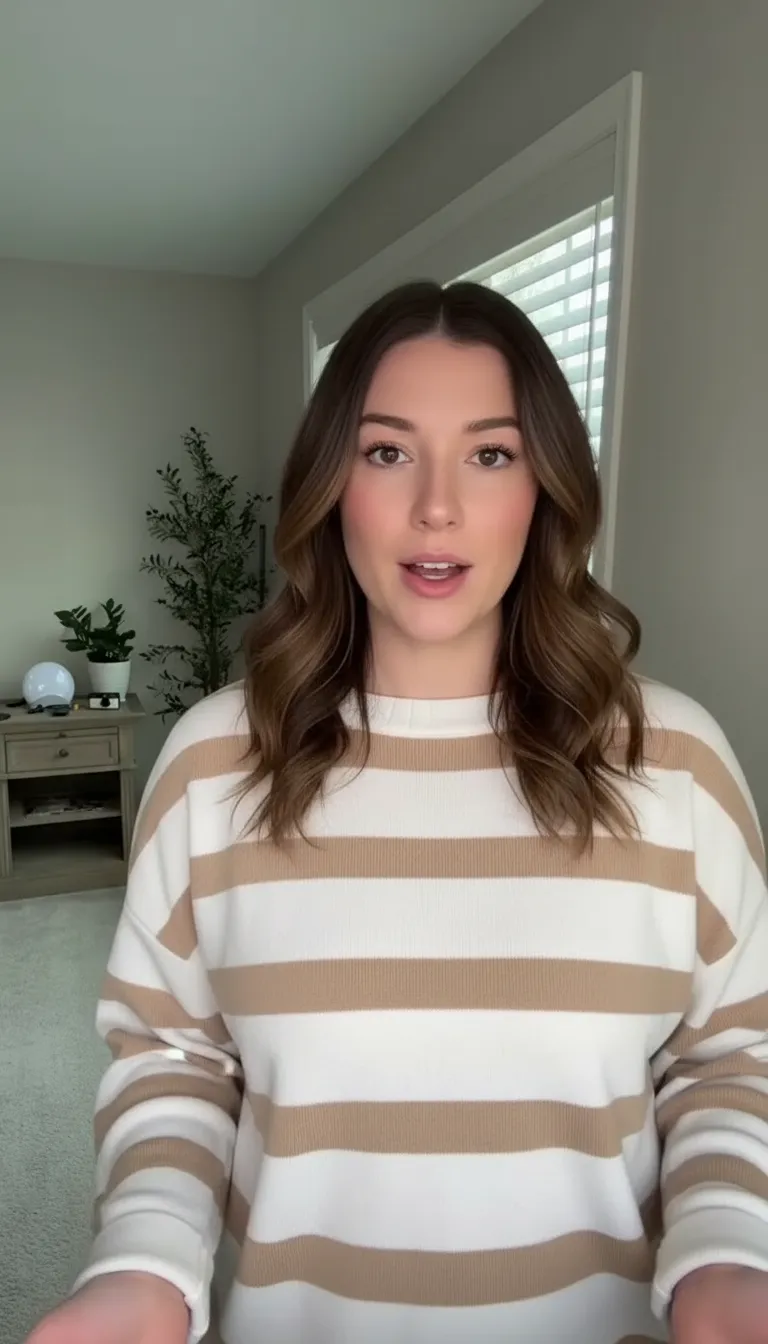
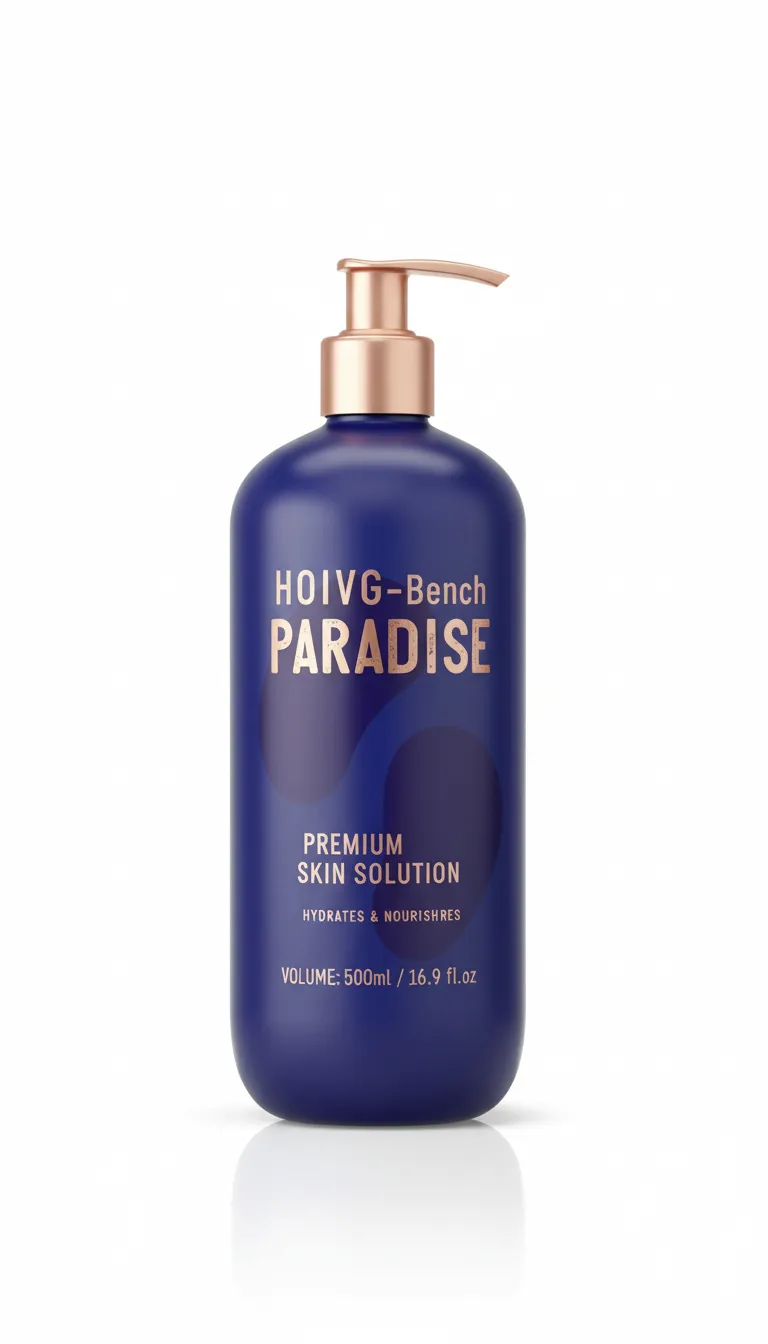
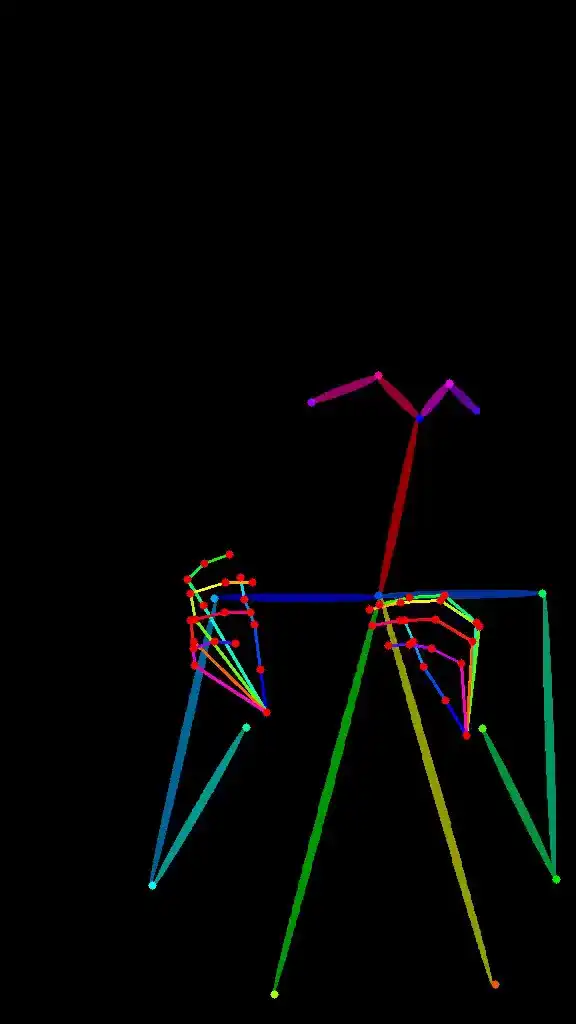
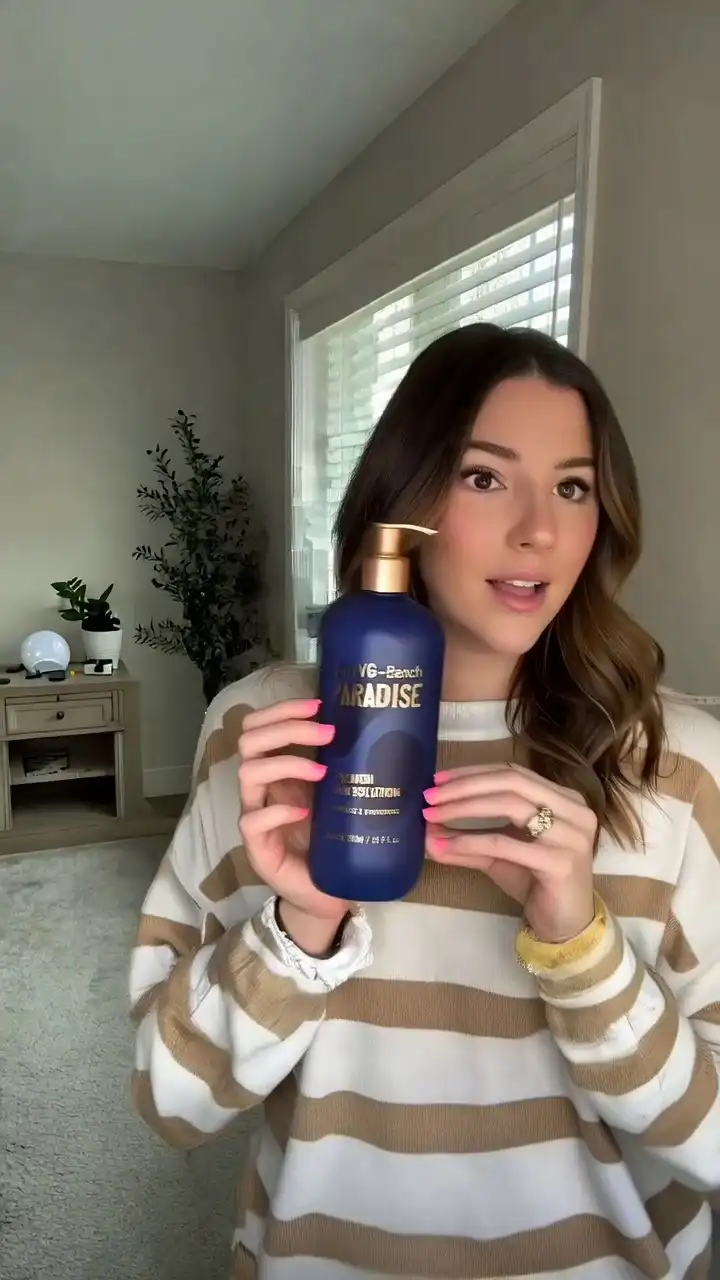
“The young woman with shoulder-length wavy brown hair, dressed in a cream and beige striped sweater, stands in a softly lit room with a window, plants, and a side table behind her, holding a large dark blue pump bottle labeled 'HOIVG-Bench PARADISE'. The bottle is regular-size, containing 500ml of product. She holds the bottle firmly with both hands while speaking to the camera, then moves her wrist subtly near the bottle, points at the label with her right index finger, and uses expressive hand gestures to emphasize her points.”
OmniShow RAP2V input image 01Product
OmniShow RAP2V input image 02Model
OmniShow RAP2V pose input video
Pose
TextReferenceAudioPose
AI-generated full-control product demo video with text, image, audio, and pose conditions
Additional Capabilities

OmniShow Additional Capabilities

Included in every generation, across all four modes.

Up to 10 Seconds — One Continuous Clip

OmniShow generates up to 10 seconds in a single pass — no cuts, no frame-joining, no stitching artifacts. Long enough for a complete product demo from pick-up to placement.

Natural Hand-Object Contact

Hands hold, grip, and interact with products the way they actually do — stable contact, natural finger wrap, realistic weight. No clipping, no floating, no mesh errors.

Consistent Character Throughout

Face, hair, outfit, and proportions stay identical from the first frame to the last. Define the character once — OmniShow keeps them locked for the full clip.

Talking Avatar from One Photo

Upload a portrait and an audio track. OmniShow generates a talking or singing avatar with accurate lip sync, natural facial expression, and consistent identity — no animation experience required.

HOIVG-Bench

OmniShow Benchmark: State-of-the-Art Human-Object Interaction Video Generation

OmniShow is validated on HOIVG-Bench — the first benchmark designed specifically to measure human-object interaction video generation quality across four dimensions: visual fidelity, motion naturalness, identity consistency, and condition alignment.

OmniShow vs. Baseline Models

Across all four dimensions, OmniShow outperforms every baseline model tested — including HunyuanCustom, HuMo-17B, VACE, Phantom-14B, and AnchorCrafter.

OmniShow ranks #1 across all four generation modes in HOIVG-Bench — the only model evaluated end-to-end for human-object interaction video generation.

HOIVG-Bench benchmark results - April 2026
ModelR2VRA2VRP2VLong-Shot
OmniShow✓ Best✓ Best✓ Best✓ Up to 10s
HunyuanCustom⚠ Lower fidelity⚠ Lower sync
HuMo-17B⚠ Lower fidelity⚠ Lower sync
VACE⚠ Lower fidelity⚠ Lower adherence
Phantom-14B⚠ Lower fidelity
AnchorCrafter⚠ Lower adherence
OmniShow vs The Competition

OmniShow vs. The Competition

Most AI video tools generate motion. OmniShow generates interaction — and that difference shows up clearly in a side-by-side.

Capability comparison between OmniShow and alternative AI video tools
CapabilityOmniShowHeyGenKling 3.0Runway Gen-4.5Seedance 2.0
Person holding & using your product✅ Purpose-built⚠️ Avatar only⚠️ General motion❌ Not addressed⚠️ General motion
All 4 inputs at once (text · image · audio · pose)✅ All four⚠️ 2 of 4⚠️ 3 of 4 (no pose)⚠️ 3 of 4 (no pose)⚠️ 3 of 4 (no pose)
Stable hand & product contact✅ Frame-locked⚠️ Avatar hands only⚠️ Inconsistent❌ Not addressed❌ Not addressed
Clip length✅ Up to 10s✅ Multi-minute✅ Up to 15s⚠️ 2–10s native✅ Up to 15s
Audio lip-sync✅ Full body✅ Full body✅ 5 languages⚠️ No native audio✅ Native audio
Pose / motion control✅ Full body pose⚠️ Ref video only⚠️ Camera only
Product consistency across frames✅ Locked⚠️ Varies⚠️ Varies⚠️ Varies⚠️ Varies
How It Works

How OmniShow Works

No video production experience needed. No creative team required. Just a product photo and a few minutes.

  1. Step 1 — Upload Your Reference Images

    Drop in your product photo and, optionally, a human model reference image. OmniShow analyzes color accuracy, surface texture, shape geometry, and proportions — and locks them in for every frame of the output. Supports JPG, PNG, WebP. Works with plain product shots, lifestyle images, and 3D renders.

    JPGPNGWebP
  2. Step 2 — Set Your Generation Conditions

    Add any combination of inputs. OmniShow adapts — one input or all four, no retraining required.

    Text — describe the scene, action, or mood in plain language
    Audio — upload a voiceover MP3; OmniShow handles the lip-sync
    Pose — choose a preset interaction pose or upload your own reference
  3. Step 3 — Generate and Export

    OmniShow processes your video in the cloud and delivers a finished clip — no GPU, no software install required. Preview, download, and publish directly to your platform of choice. Generation time varies by complexity and plan.

    2–4
    min typical
    720p
    HD output
    9:16
    portrait ready
Use Cases

Who Uses OmniShow

OmniShow is built for e-commerce sellers, social commerce brands, creators, marketing teams, and AI researchers.

E-commerce

E-Commerce Sellers on Amazon and Shopify

Stop paying for product video shoots. OmniShow turns any product photo into a cinematic demo — ready for your Amazon listing, A+ Content, or brand storefront. Generate at catalog scale, not shot by shot.

Social commerce

TikTok Shop and Social Commerce Brands

TikTok Shop buyers scroll fast. You have 2 seconds. OmniShow generates 9:16 portrait videos that look produced, not generated. Add a voiceover and your model lip-syncs automatically — ready to publish.

Creators and marketing

Short-Form Video Creators and Marketing Teams

Full control over model motion, product interaction, and character dialogue — without a camera, crew, or set. Define the pose, add your audio, and OmniShow handles the physics of the interaction.

Researchers and developers

AI Researchers and Developers

OmniShow is fully open-sourced. Access model weights, reproduce HOIVG-Bench results, and build on the framework directly.

OmniShow Reviews

What OmniShow Users Are Saying

  • 4.9/5from 1,200+ verified users
  • 8,000+active e-commerce sellers
  • 2M+videos generated
  • 0studios required
"The hand-product interaction in OmniShow clips is the most convincing I've seen from any AI tool. Customers actually comment on how real it looks."
Marcus T., Founder · Luxury Skincare DTC Brand
Marcus T.
Founder · Luxury Skincare DTC Brand
"I can define exactly how the model holds our product and OmniShow nails it every time. The pose control is a game-changer for our creative workflow."
David R., Creative Director · Sporting Goods Brand
David R.
Creative Director · Sporting Goods Brand
"We replaced our entire video production workflow with OmniShow. 10x the content. 20% of the cost. TikTok Shop Top-500 and growing."
Priya L., Growth Lead · Fashion & Apparel, TikTok Shop Top-500
Priya L.
Growth Lead · Fashion & Apparel, TikTok Shop Top-500
"We shoot zero footage now. Every SKU gets a demo video in minutes. Our Amazon conversion rate went up 34% in the first month."
James K., Head of E-Commerce · Home Goods Brand, Amazon Top Seller
James K.
Head of E-Commerce · Home Goods Brand, Amazon Top Seller
"The lip-sync quality with RA2V is remarkable. We produce multilingual spokesperson videos for five markets — all from the same reference photo."
Sofia O., VP Marketing · Beauty & Wellness, 12 markets
Sofia O.
VP Marketing · Beauty & Wellness, 12 markets
"As a researcher, seeing a production-quality HOIVG pipeline this accessible is genuinely impressive. The benchmark results hold up under scrutiny."
Alex W., PhD Researcher · Computer Vision Lab
Alex W.
PhD Researcher · Computer Vision Lab
Research-Backed

OmniShow Research — Published April 2026

Built on peer-reviewed research by ByteDance, CUHK, Monash University, and The University of Hong Kong. Open-sourced on GitHub. Independently validated on HOIVG-Bench — the field's first dedicated benchmark for human-object interaction video generation.

ByteDanceCUHKMonash UniversityUniv. of Hong Kong
FAQ

OmniShow — Frequently Asked Questions

Everything you need to know about OmniShow and human-object interaction video generation.

What is human-object interaction video generation?

Human-object interaction video generation (HOIVG) is AI technology that creates realistic video of a person holding, using, or presenting a physical object — with stable hand contact and natural motion. Unlike general AI video, HOIVG specifically solves the hand-object physics problem that makes product demos look real.

What inputs does OmniShow support?

OmniShow accepts four input types: a text prompt, a reference image, an audio voiceover, and a pose sequence. You can use just one or combine all four in a single generation — no switching between tools, no retraining needed.

How long can OmniShow videos be?

OmniShow generates continuous clips up to 10 seconds in a single pass — no clip stitching, no visible frame joins. That's long enough for a complete product pick-up-to-placement demo, and longer than most AI video tools natively support.

How is OmniShow different from HeyGen?

OmniShow is built for product interaction video — a person holding and using your product. HeyGen is built for talking-head avatars. OmniShow also supports pose control and is the only platform benchmarked specifically for human-object interaction video quality.

How is OmniShow different from Runway or Kling?

Runway and Kling generate general motion video but don't specifically address stable hand-product contact. OmniShow is purpose-built for product interaction — it locks product appearance across every frame and supports audio lip-sync and pose control simultaneously.

Does OmniShow keep the product looking consistent throughout the video?

Yes. OmniShow locks your product's exact color, texture, and shape from the first frame to the last — no drift, no distortion. Both the product and the human model stay visually identical across the full clip.

Is OmniShow based on real research?

Yes. OmniShow is built on peer-reviewed research published April 2026 by researchers from ByteDance, The Chinese University of Hong Kong, Monash University, and The University of Hong Kong. The model is open-sourced on GitHub and independently benchmarked on HOIVG-Bench. Read the OmniShow paper →

Who is OmniShow designed for?

OmniShow is built for e-commerce sellers, content creators, marketing teams, and AI researchers who need high-quality human-object interaction video. It's used for Amazon product listings, TikTok Shop demos, short-form social content, and academic research into HOIVG.

Can OmniShow generate talking avatar videos?

Yes. Upload one portrait image and an audio track, and OmniShow produces a talking or singing avatar with accurate lip-sync, natural facial expression, and stable identity throughout. Audio alignment covers pitch, pace, and natural pausing — more reliably than HunyuanCustom and HuMo-17B in head-to-head tests.

Is OmniShow free? What are the pricing plans?

OmniShow offers plans for individual creators, growing teams, and enterprise accounts. Visit the pricing page for current plan details and to find the right tier for your video volume.